
Opel Radio PIN code generator
Recover your original Opel radio code safely using only the radio i serial number . with our fast, secure online service. Compatible with most Opel infotainment systems, your working code is delivered in minutes.
- Quick unlock guide
- Secure payment
- Permanent radio code
- Customer support 24/7
Supported Formats


How It Works
Get your radio unlock code in 3 simple steps
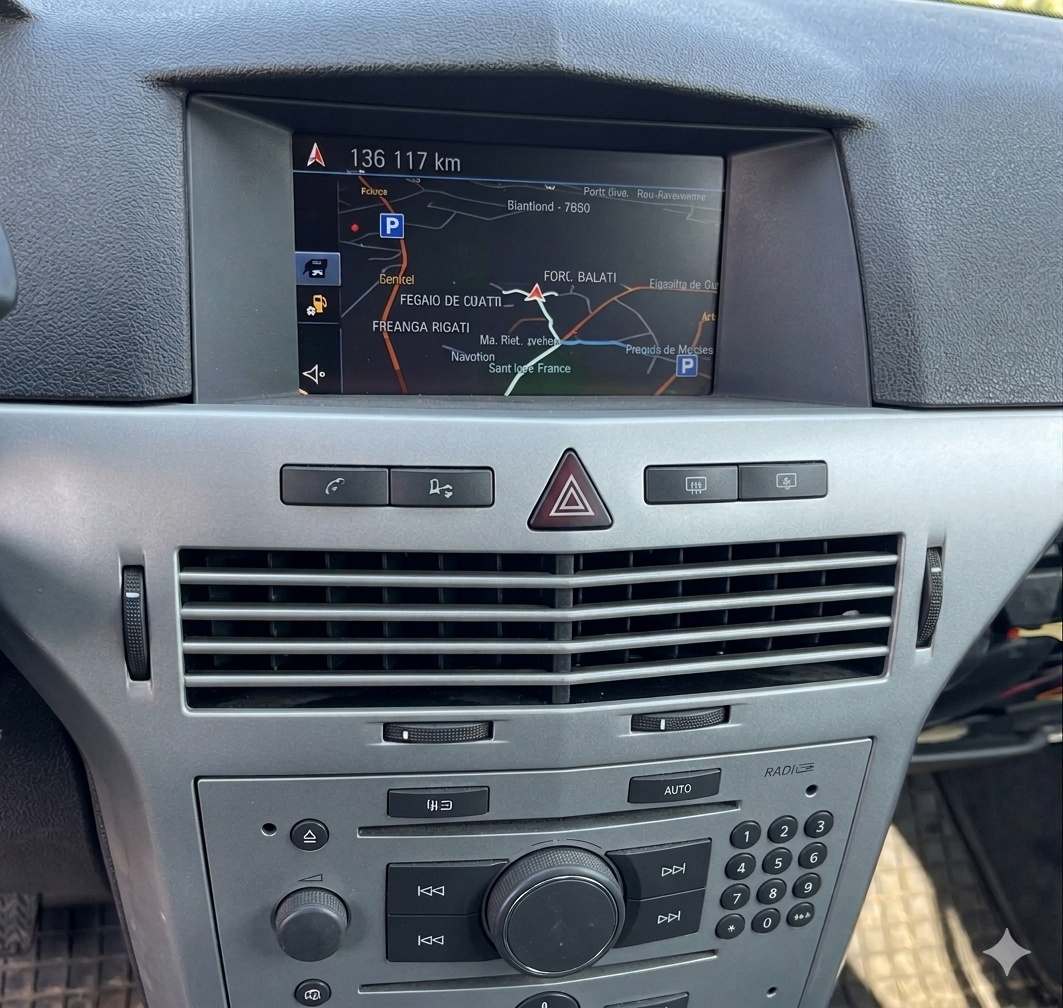
(Click on the slider to pause autoplay)
How to locate your Opel serial number
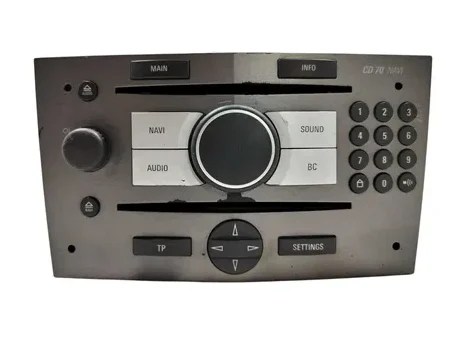
Opel CD 70 Navi
- To find the details needed for your code, you must remove the radio from the dashboard..
- Insert 4 radio removal keys into the holes on the corners of the front panel.
- Pull the unit straight out carefully.
- Look at the technical sticker located on the side or top of the metal casing.
- You will need the Serial number (starting with GM) and the Part number to generate your code.
Examples of Serial Numbers: CM0150B1234567, GM007051234567,
7 612 033 150
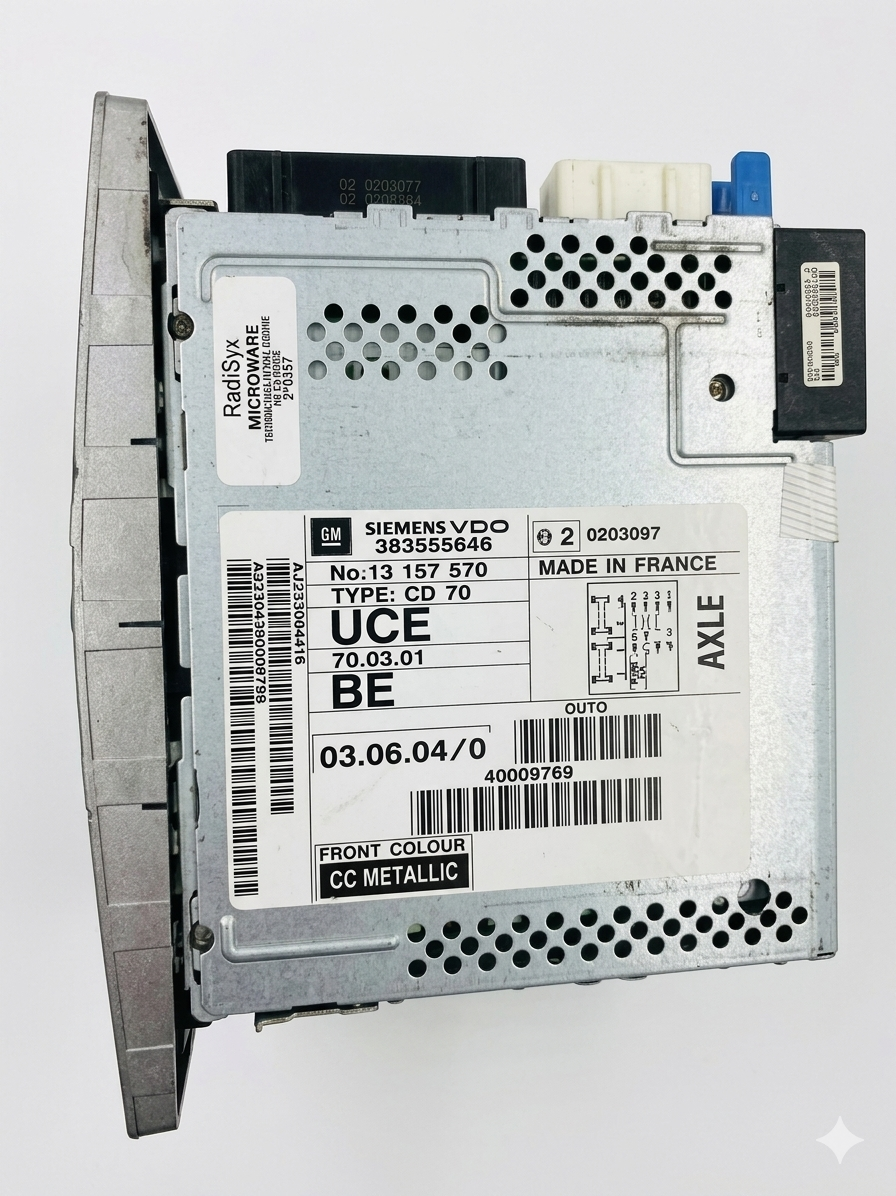
Info: For Siemens VDO or Blaupunkt units, the serial number is also stamped directly into the metal casing on one side, which is useful if the paper sticker is damaged or missing.
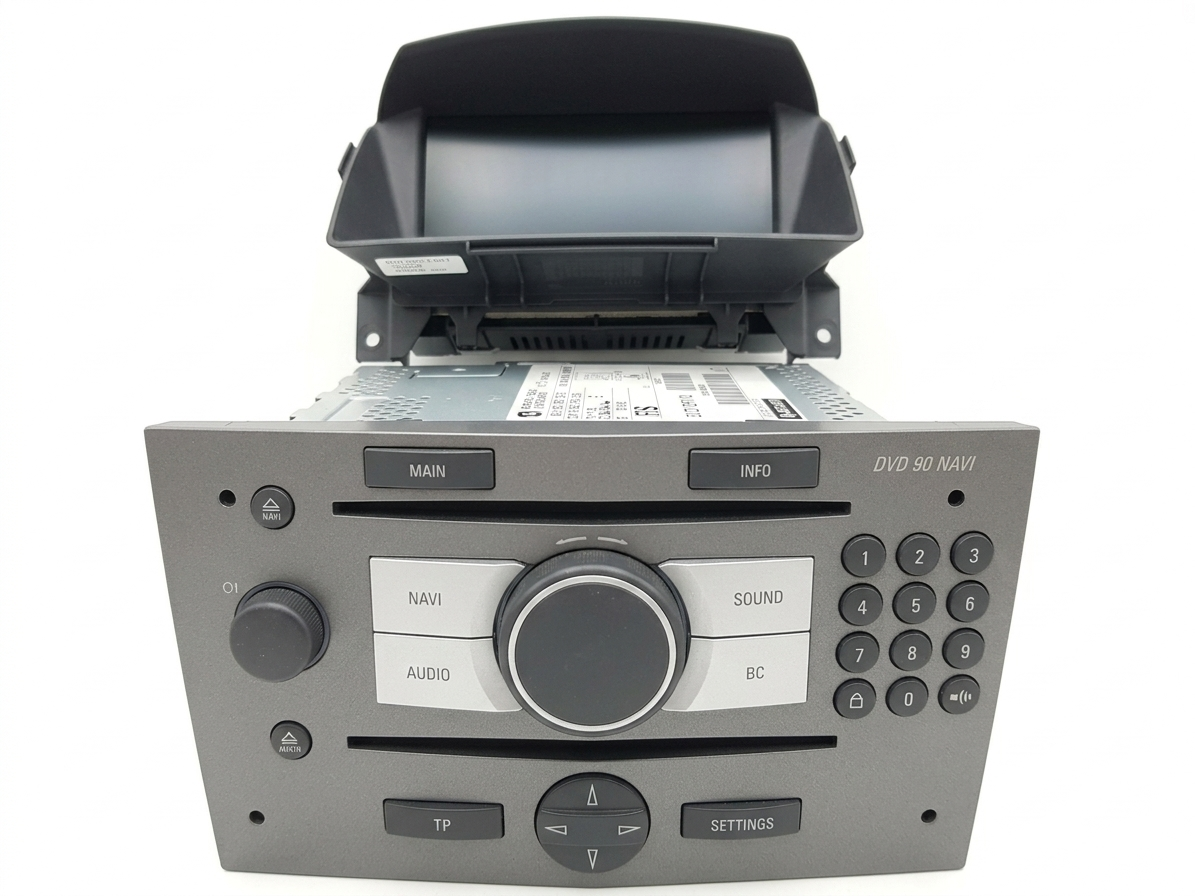
Opel DVD 90 Navi
- To find the details needed for your code, you must remove the radio from the dashboard.
- Insert 4 radio removal keys into the holes on the corners of the front panel.
- Look at the technical sticker or the stamped metal on the side of the casing.
- You will need the Serial number (starting with GM) to generate your code.
7612033150
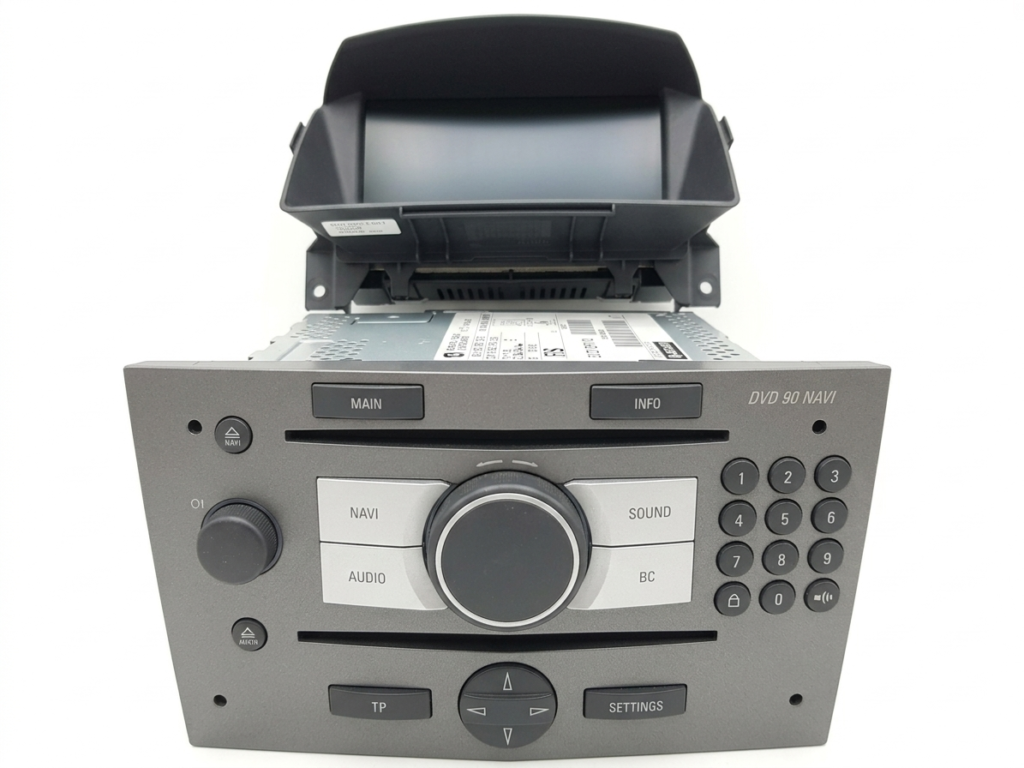
Info: Just like the CD 70, the DVD 90 serial number is usually engraved directly into the metal frame, making it readable even if the paper label is torn.
Opel NCDR Series (1100 / 1500 / 2011)
- To find the details needed for your code, you must remove the radio from the dashboard.
- Insert the radio removal keys into the slots on the front panel.
- Pull the unit straight out carefully to access the rear and sides.
- Look at the technical sticker or the engraved serial number on the metal casing.
- You will need the Serial number (starting with GM) to generate your code.
Opel CDC 40 Opera
- To find the details needed for your code, you must remove the radio from the dashboard.
- Insert 4 radio removal keys into the holes on the corners of the front panel.
- Pull the unit straight out carefully and disconnect the wiring harness.
- Now on screen should appear the information required to generate your code.
- Locate the manufacturer label stuck to the side or top of the metal frame.
- You will need the Serial number (starting with GM) to generate your code.
To locate the serial number for these classic Opel navigation units (CD 70, DVD 90, NCDR series, and CDC 40 Opera), you will always have to pull the radio out of the dashboard:
Step 1: Simply insert 4 release keys into the holes on the front panel corners.
Step 2: Pull the unit forward carefully.
Step 3: Look on the side of the radio unit. You will find your serial number printed on the main sticker or stamped directly into the metal casing (typically starting with ‘GM’ followed by 12 characters).
Examples of Serial Numbers: CM0150B1234567, GM007051234567,
7 612 033 150
After you locate your serial number, you can proceed with the code generation.
If you lost your Opel stereo unlock code or you are facing a “SAFE” / “CODE” message on your display, don’t worry! You can CONTACT us at any time. Just send us your radio’s serial number (starting with ‘GM’) and the email address used to place the order, and we will send you your Opel radio code once again with no costs whatsoever.
For more tips, step-by-step removal tutorials, and additional information about Opel car radio unlock codes, you can visit our FAQ page. There you will find more useful information and clear answers to all your questions!