
Volkswagen RNS 510 Navigation Radio PIN Code Generator
Unlock your Volkswagen RNS 510 instantly using just the i serial number — fast, safe, and no dealer visit required.


How It Works
Get your radio unlock code in 3 simple steps
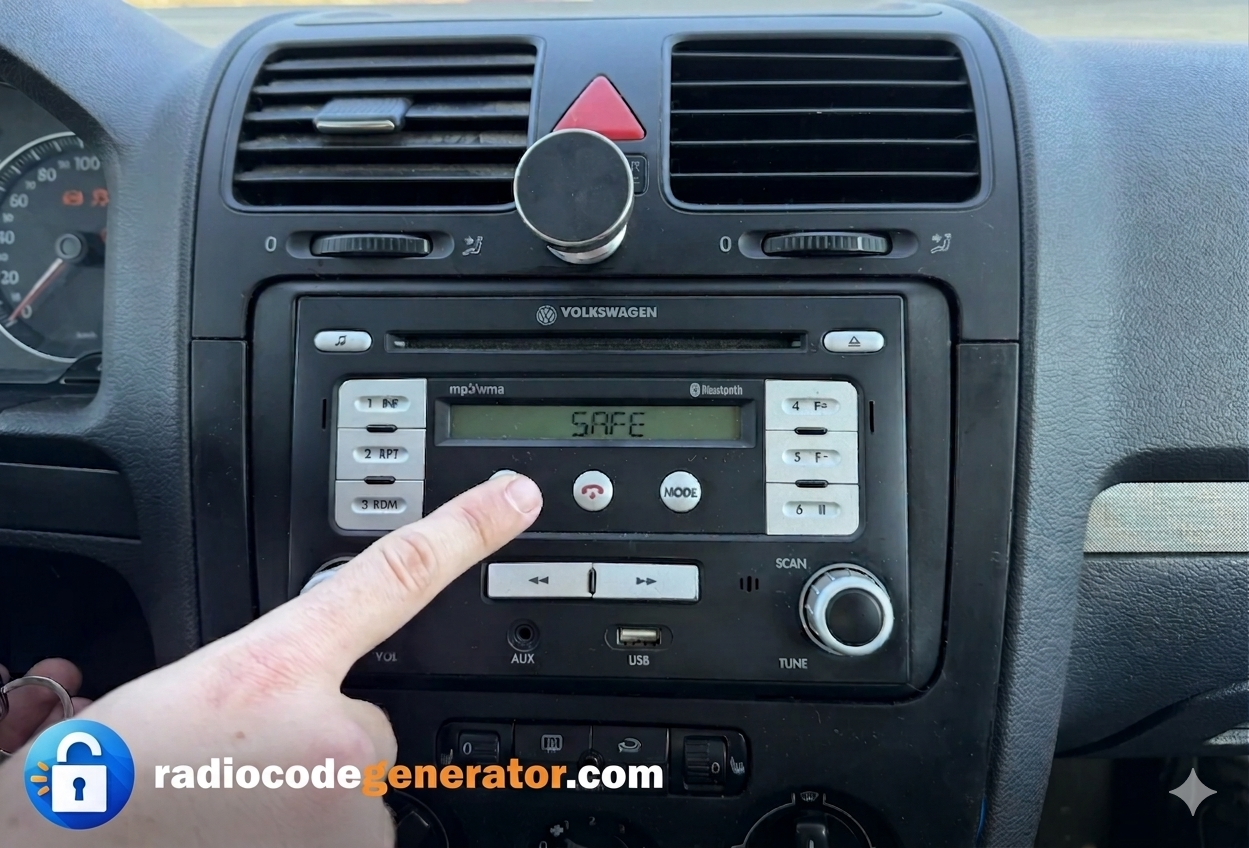
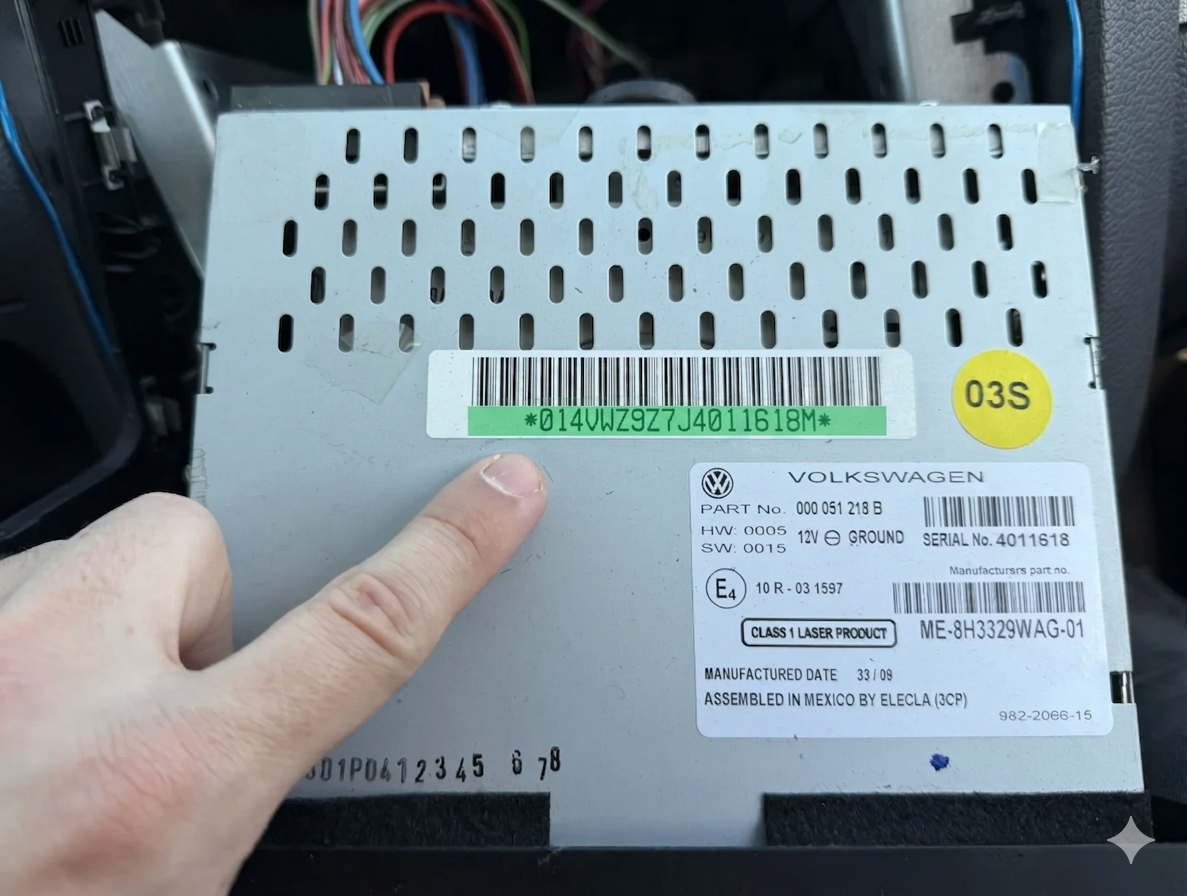
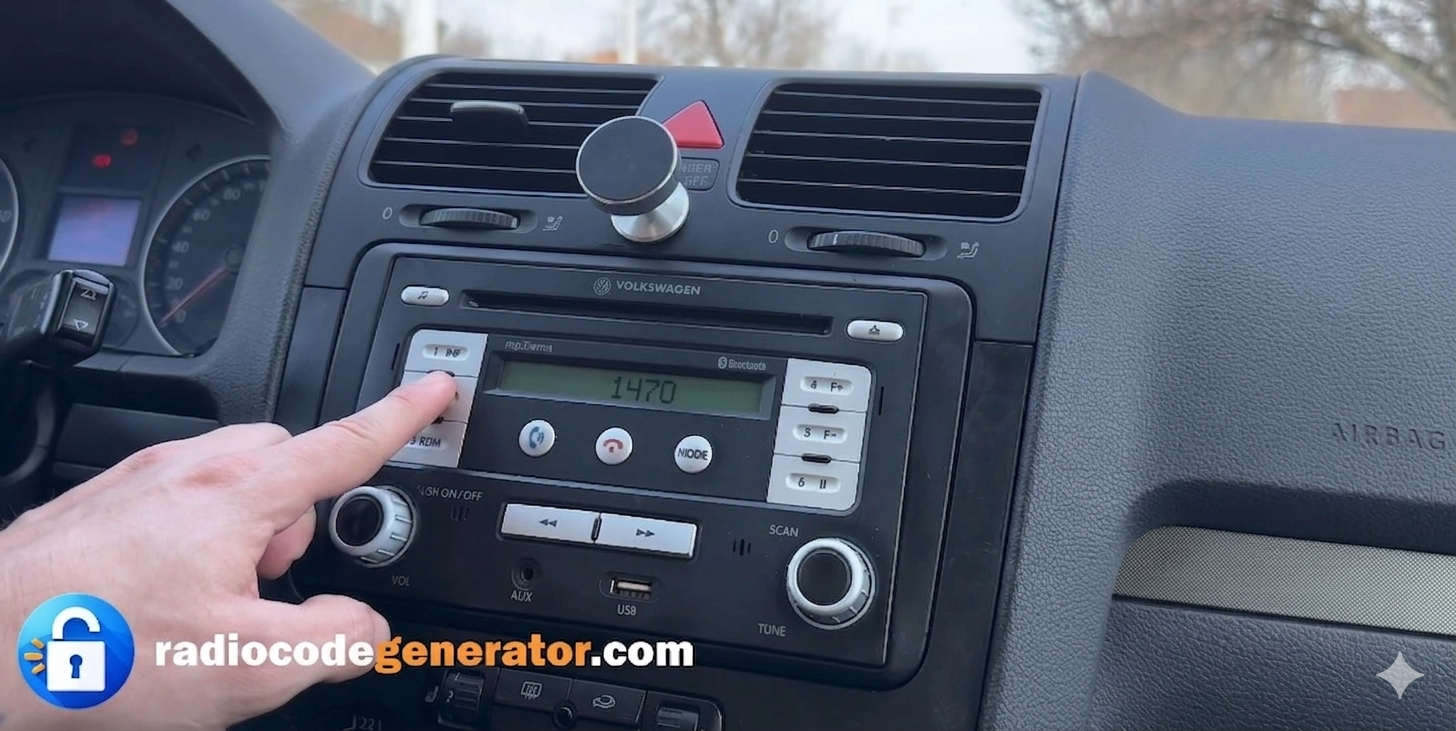
(Click on the slider to pause autoplay)
Where To Find Your VW RNS 510 Serial Number
To recover your code, you will need the unique serial number printed or engraved on the metal casing of the unit. Follow these simple steps:
Partially remove the unit: Carefully unclip the dashboard trim, unscrew the 4 Torx mounting screws holding the navigation system, and slide the RNS 510 slightly out of the dashboard.
You do not need to disconnect any wiring plugs or the GPS antenna.
Locate the label: Check the top or side metal casing of the unit to find the official Volkswagen white sticker label.
Identify your serial number: Look for the 14-character serial number stamped or printed starting with VWZ (e.g., VWZ6Z7H1234567 or VWZ6Z7K9876543).
Here is a quick TUTORIAL to help you extract your RNS 510 navigation safely without damaging the dashboard trim or scratching the screen. On some RNS 510 units, the serial number is also laser-engraved directly into the metal housing alongside the barcode label.
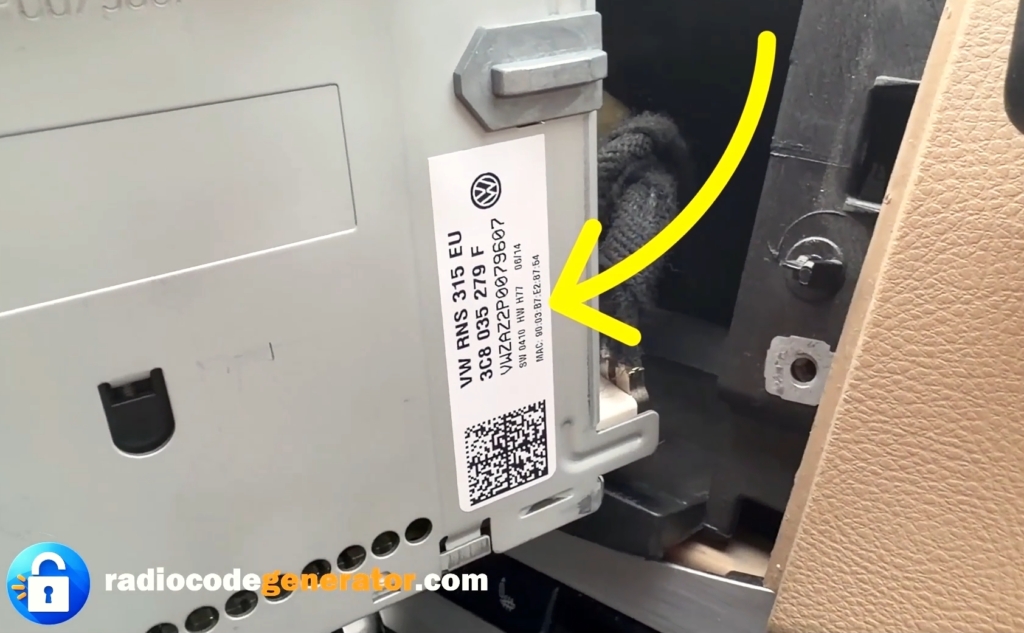
Pay close attention when reading the characters to avoid confusing a lowercase letter ‘l’ with an uppercase ‘I’ or the number ‘1’, as well as the letter ‘O’ with the number ‘0’.
Examples of common serial numbers you might find:
VWZ6Z7H5678901(Continental / Siemens VDO variants)VWZ6Z7K9876543(Passat, CC, and Touareg variants)
If your display shows ‘SAFE’, ‘PIN’, or prompts you to enter a code, use the touchscreen or the right tuning knob to cycle through and enter your individual digits, then press and hold the correct confirmation button to unlock it successfully.
How To Enter The Unlock Code For VW RNS 510
- After turning on your audio system, make sure that your screen displays ‘SAFE’ or prompts you with ‘1000’ for code entry.
- Use the preset buttons (1 to 4) located on the front panel of the radio to input your unique 4-digit unlock code.
- Press button 1 repeatedly to select the first digit, button 2 for the second digit, button 3 for the third, and button 4 for the final digit.
- Double-check the screen display to ensure the numbers match your received unlock code before confirming.
- Once the full code is displayed on the screen, press and hold the Right Arrow / OK button (or press down on the right tuning knob, depending on your exact unit version) to save it and instantly unlock your system.
Got Questions Or Need Assistance?
If you face any issues entering your code, if your RNS 510 unit remains locked after multiple attempts, or if you need further help with your serial number, don’t worry—simply CONTACT us and we will sort it out for you promptly.
For additional tips, troubleshooting advice on wait times between incorrect code entries, and step-by-step guides on Volkswagen multimedia systems, feel free to explore our FAQ section or browse our latest articles on the BLOG page!