
Volkswagen RCD 300, RCD 500, RCD 510 Radio Code Generator
Easy unlock your Volkswagen RCD 300, RCD 500, or RCD 510 radio safely by providing just the device i serial number.


How It Works
Get your radio unlock code in 3 simple steps
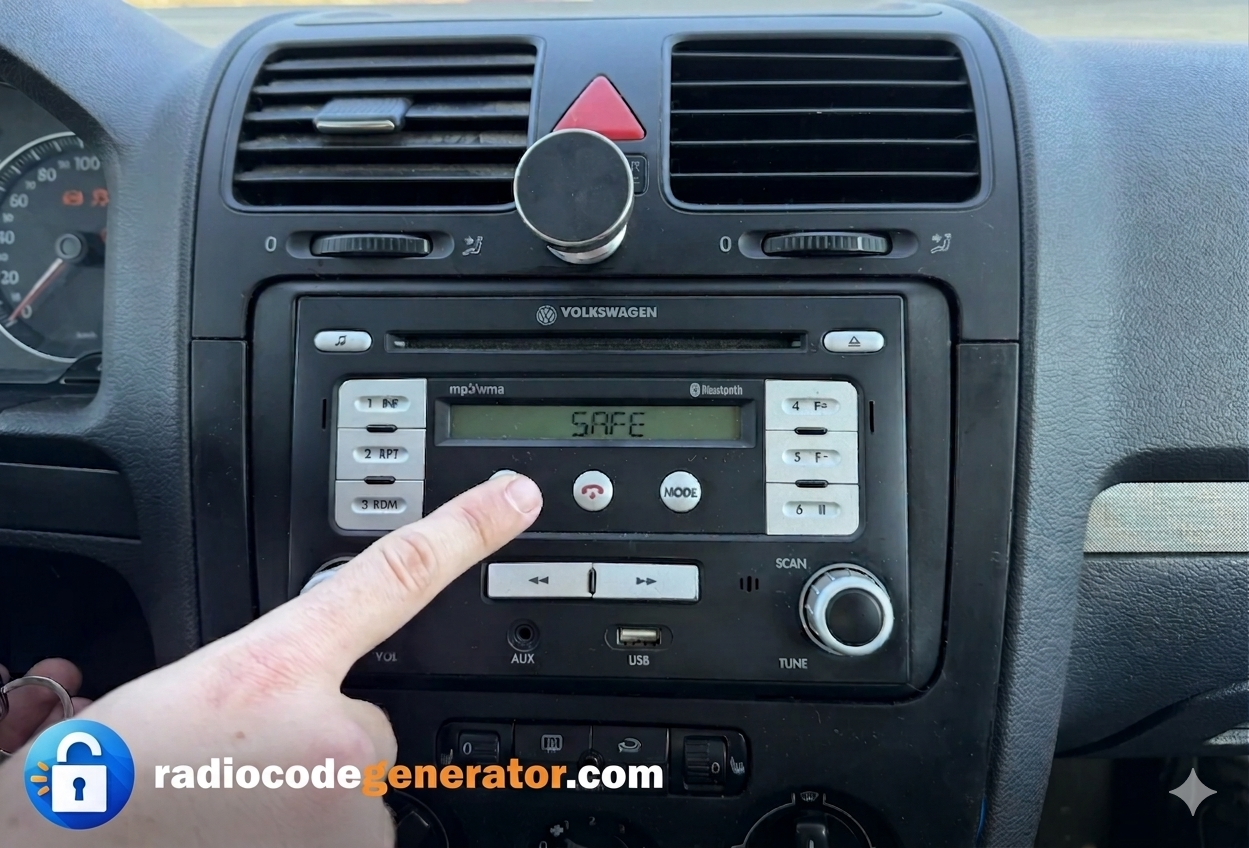
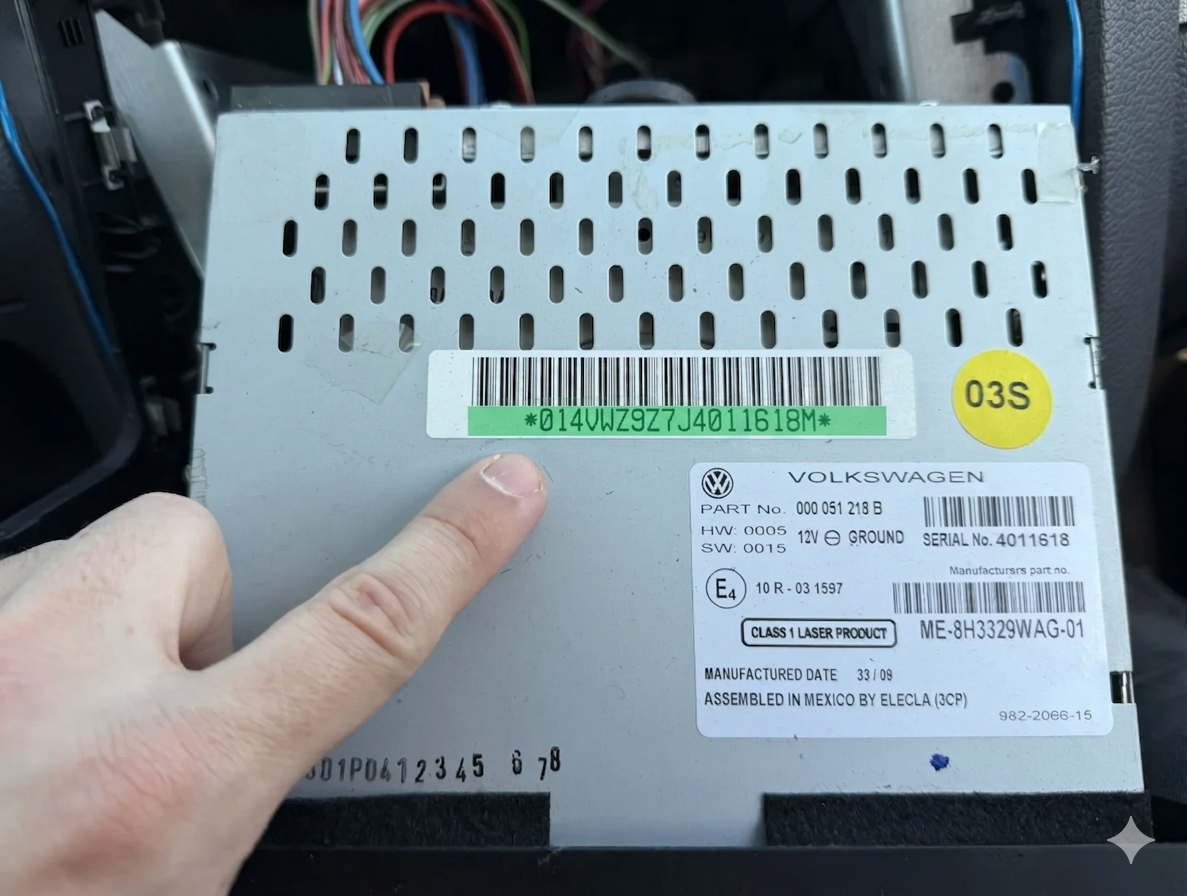
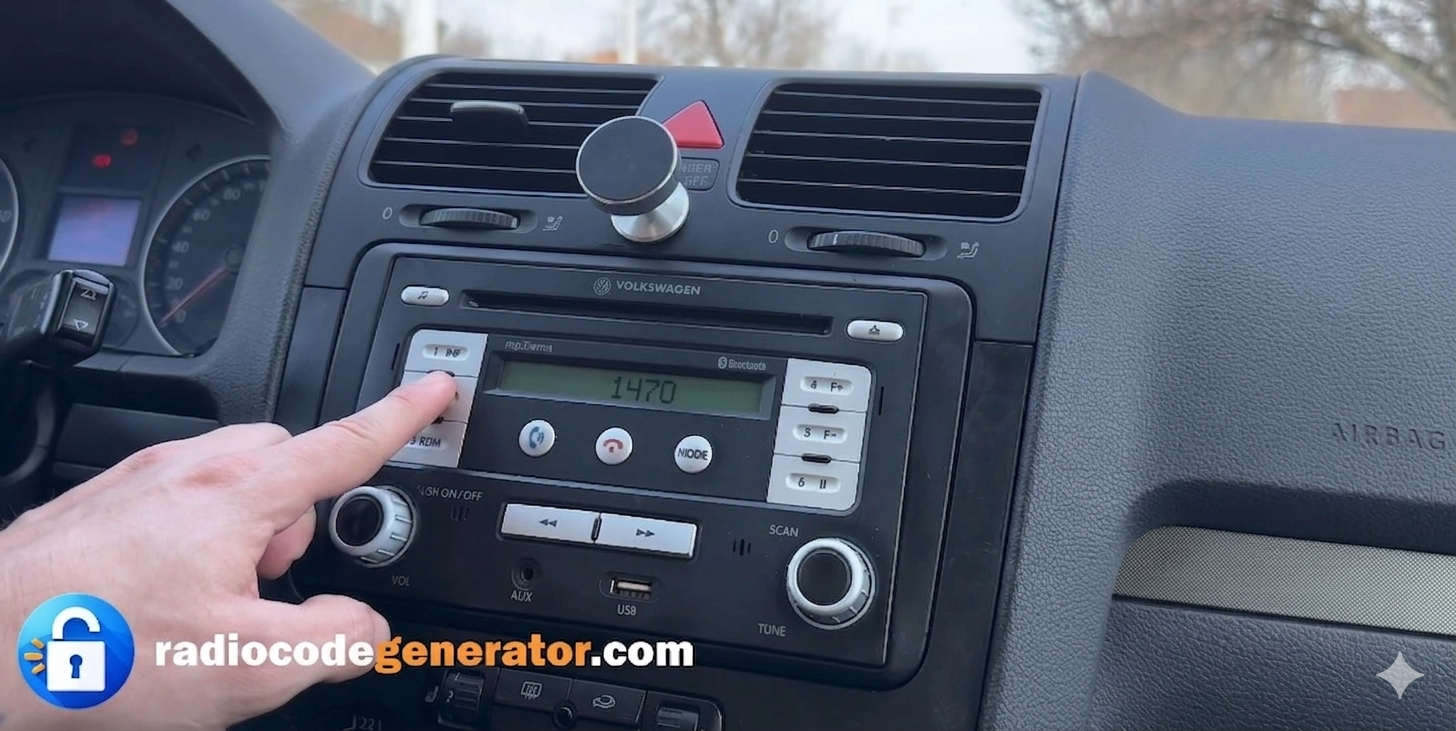
(Click on the slider to pause autoplay)
How to locate your Volkswagen radio serial number
How To Remove Your VW RCD 300, 500, Or 510 Radio
- Partially remove the unit: Insert the appropriate release keys into the slots on the corners of the faceplate to unlock the internal clips, then pull the radio forward slightly out of the dashboard.
- No wiring required: You do not need to disconnect any wiring plugs or cables to find the serial number.
- Handle with care: Support the unit gently while pulled out to avoid scratching your dashboard trim or damaging any exposed surrounding plastic components.
How To indentify Your VW RCD 300, 500, Or 510 Radio serial number
Here is a quick TUTORIAL to help you pull out your unit safely. On some models, the serial number might have an extra letter at the end—simply ignore that final letter when placing your order. Pay close attention to avoid confusing a lowercase letter ‘l’ with an uppercase ‘I’ or the number ‘1’.
If your display shows ‘SAFE’ or prompts you with ‘1000’, use preset buttons 1 through 4 on your radio panel to cycle through and enter your digits, then press and hold the correct confirmation button to unlock it.
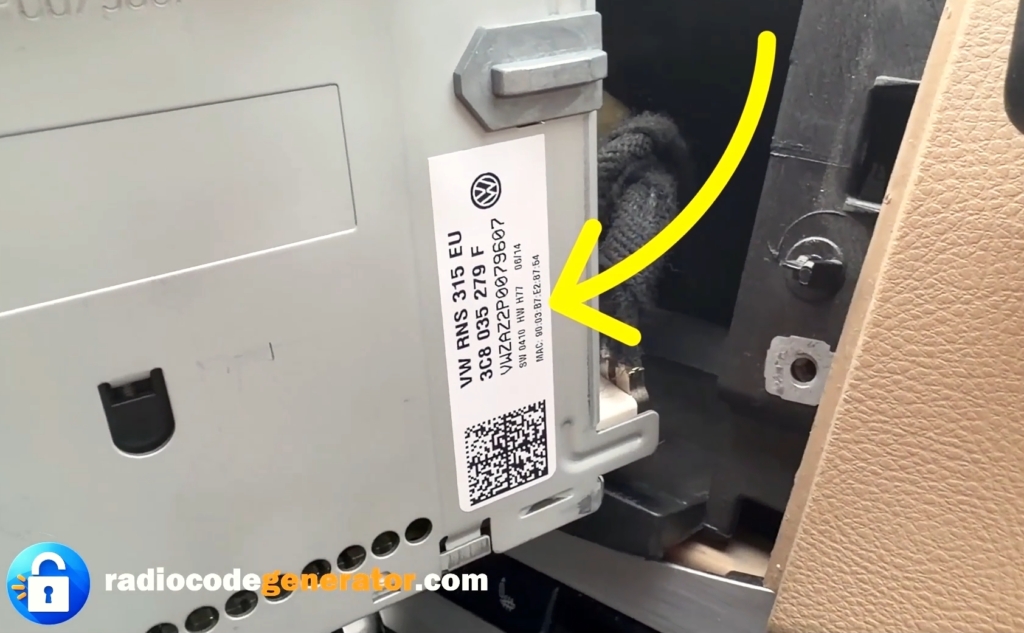
Locate the label: Check the top, side, or bottom metal casing of the unit for the official Volkswagen sticker label.
Identify your serial number: Look for the engraved or printed 14-character serial number starting with VWZ (e.g., VWZ1Z2K1234567).
How To Enter The Unlock Code For VW RCD 300, 500, 510
After turning on your audio system, make sure that your screen displays ‘SAFE’ or prompts you with ‘1000’ for code entry.
Use the preset buttons (1 to 4) located on the front panel of the radio to input your unique 4-digit unlock code.
Press button 1 repeatedly to select the first digit, button 2 for the second digit, button 3 for the third, and button 4 for the final digit.
Double-check the screen to ensure the correct numbers match your received unlock code before confirming.
Once the full code is displayed on the screen, press and hold the Right Arrow / OK button (or the tuning knob/preset confirmation button depending on the exact model) to save it and instantly unlock your system.
Got Questions Or Need Assistance?
If you face any issues or need further help with your code, don’t worry—simply CONTACT us with your serial number and we will sort it out for you promptly. For additional tips, troubleshooting advice, and step-by-step guides on car audio systems, feel free to explore our FAQ section or browse our latest articles on the BLOG page!