
Volkswagen RNS 300, RNS 310, RNS 315 Radio Code Generator
Recover your lost Volkswagen RNS 300, RNS 310, or RNS 315 navigation system code safely using only the device i serial number .


How It Works
Get your radio unlock code in 3 simple steps
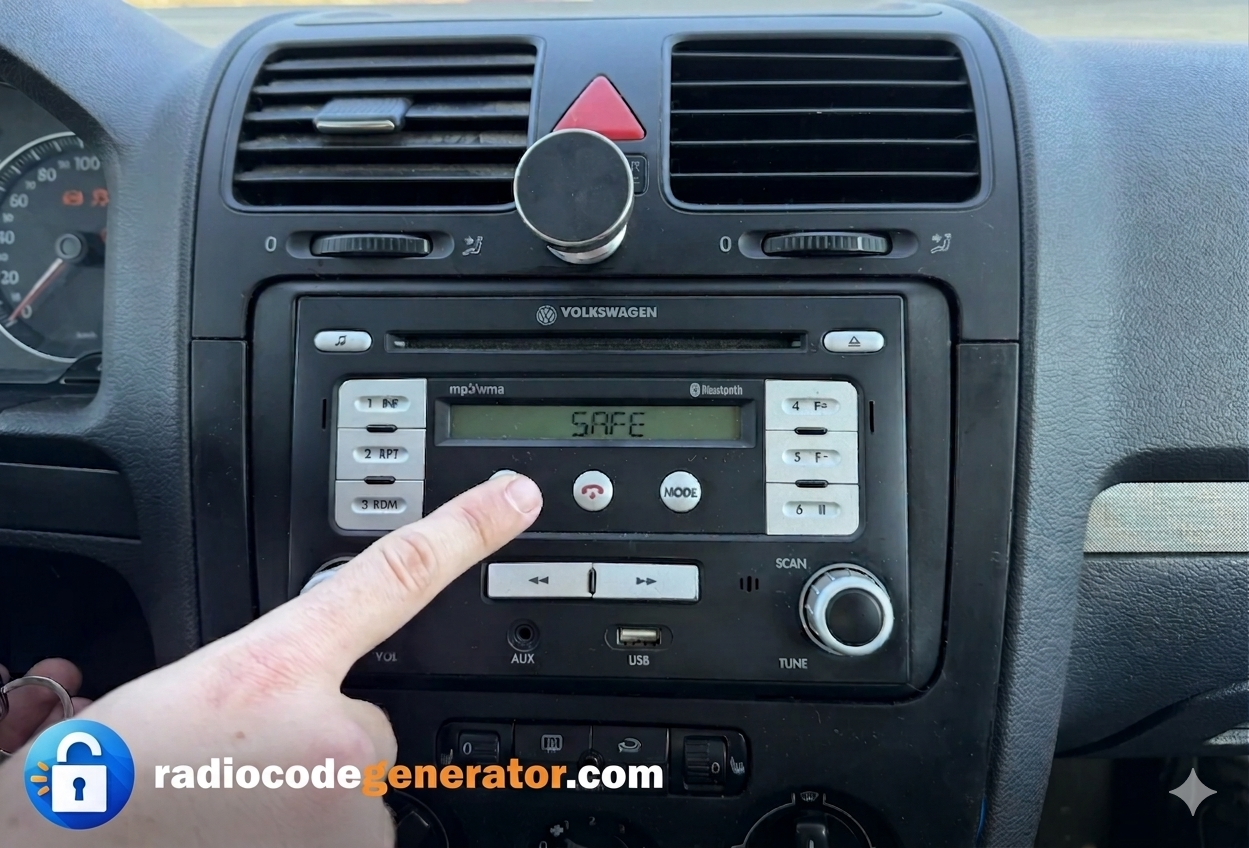
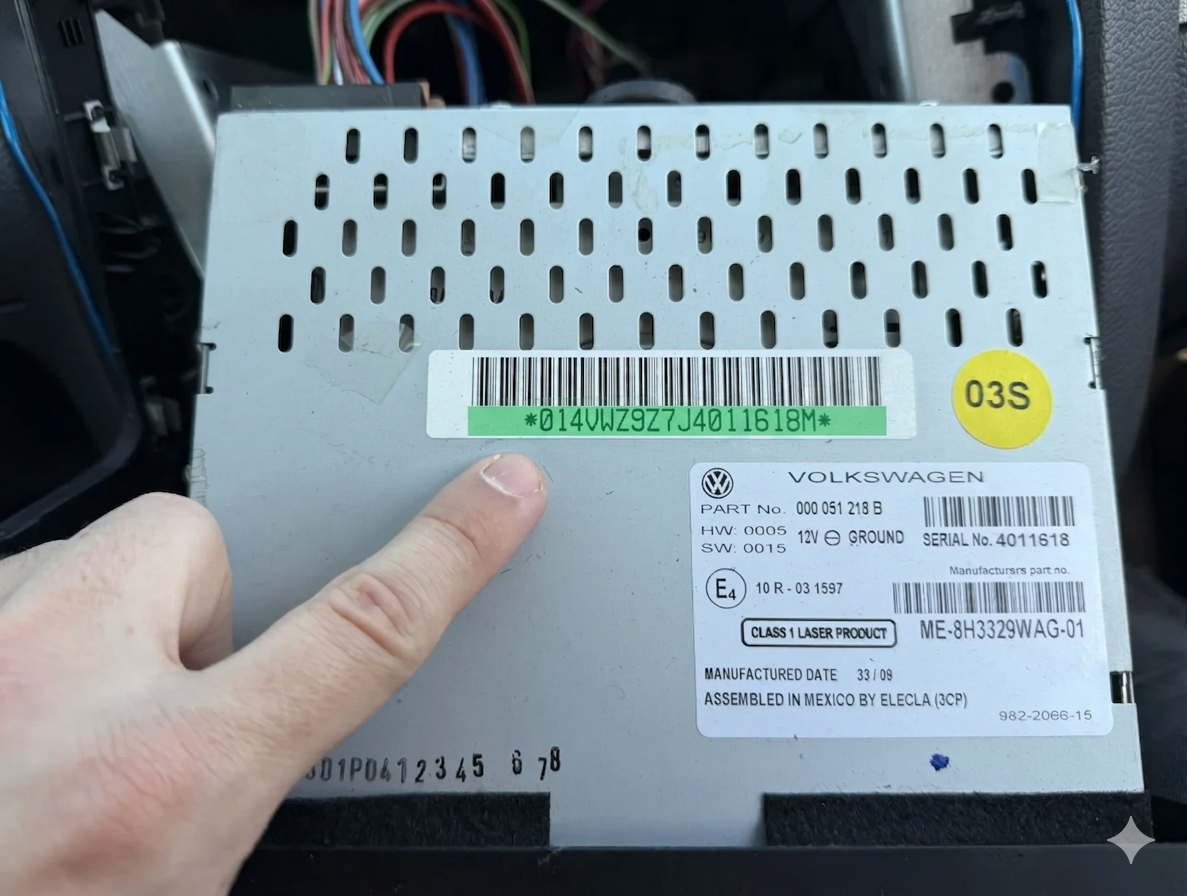
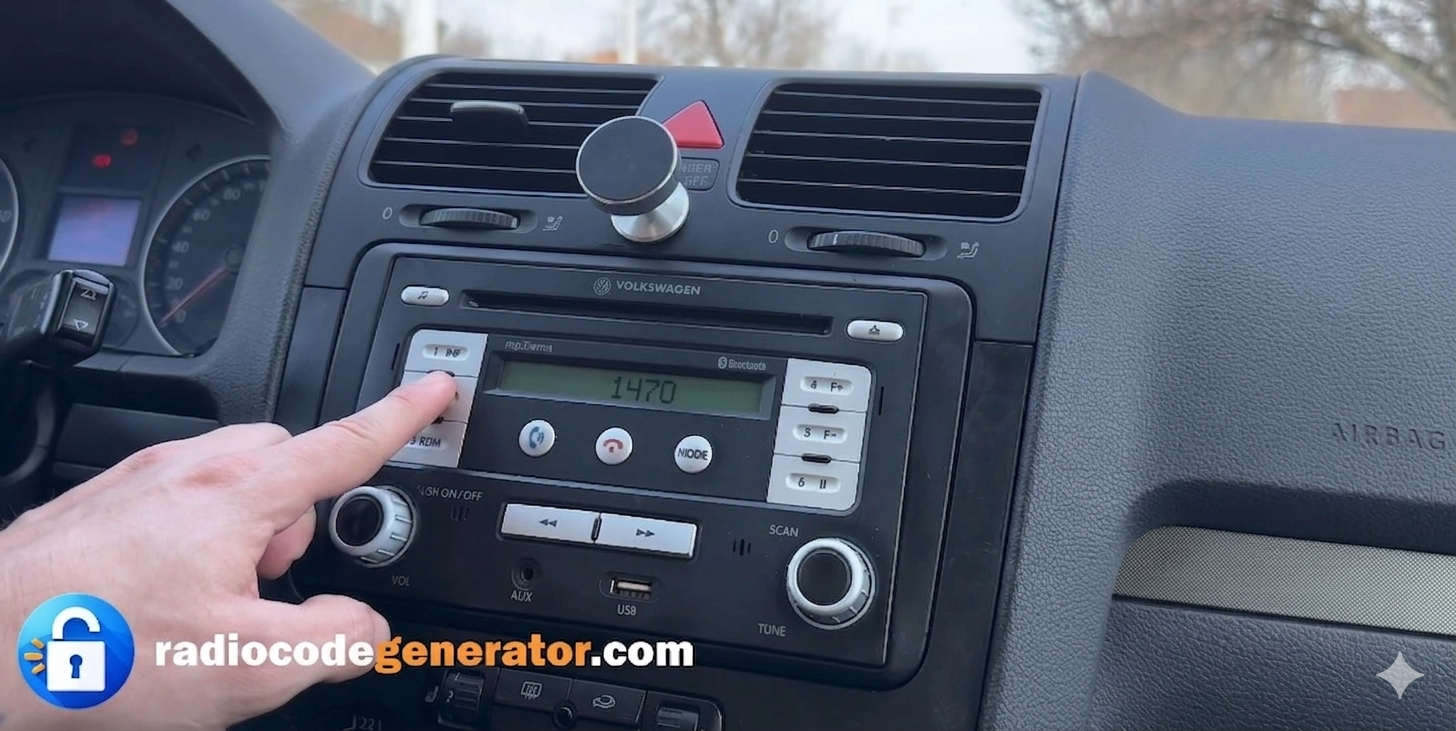
(Click on the slider to pause autoplay)
How to find your Volkswagen radio serial number
To recover your code, you will need the unique serial number stamped or printed on the navigation casing. Follow these simple steps:
Partially remove the unit: Use standard RNS release keys (extraction tools) to slide the navigation unit out of the dashboard far enough to access the housing. You will need some extraction tools or something similar found at home
. You do not need to disconnect any wires.
Locate the label: Check the top, sides, or metal casing of the radio for the official Volkswagen sticker label.
Identify your serial number: Look for a 14-character string starting with VWZAZ (e.g., VWZAZ1A1234465).
Here you have a step-by-step TUTORIAL on how to remove your radio. In some cases the serial number may have a letter at the end (Ex: VWZAZ1A1234465 ), you just have to ignore this letter when you enter your serial number. Make sure you can tell the difference between a lowercase ‘l’ and a capitalized ‘I’, as this can cause errors.
If on your radio screen is ‘SAFE’ or ‘ENTER CODE’, keep pressed buttons ‘SETUP’ + ‘INFO’ or check how to go along with entering your code.
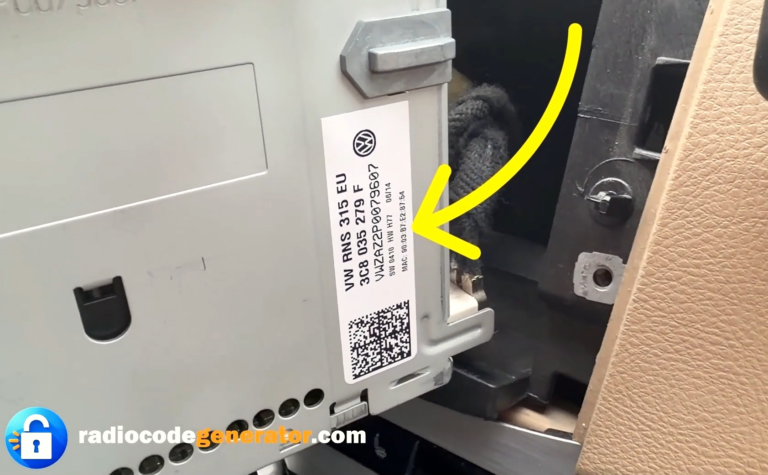
How To Enter The Unlock Code For VW RNS 300, 310, 315
After turning on your navigation system, make sure that on your screen is ‘SAFE’ or the code entry prompt.
Use the rotary buttons or touch screen interface on the sides/front of the radio to select the numbers that form your code.
Turn or press the buttons until the first digit of your code appears on the screen.
Do the same for the remaining numbers using the sequential buttons or interface options.
Once you have the full code on the screen, confirm or press Enter (or use the selection knob) and you can start enjoying your car entertainment system.