
Volkswagen RCD 300, RCD 500, RCD 510 Radio Code Generator
Desbloquea fácilmente y de forma segura tu radio Volkswagen RCD 300, RCD 500 o RCD 510 proporcionando únicamente el dispositivo. i serial number.


Cómo funciona
Obtén tu código de desbloqueo de radio en 3 sencillos pasos
(Haga clic en el control deslizante para pausar la reproducción automática)
Cómo localizar el número de serie de la radio de su Volkswagen
Cómo desmontar la radio VW RCD 300, 500 o 510
- Retire parcialmente la unidad: Insertar el apropiado release keys ...en las ranuras de las esquinas de la placa frontal para liberar los clips internos y, a continuación, tire de la radio ligeramente hacia afuera del salpicadero.
- No requiere cableado: Tu no es necesario desconectar los enchufes del cableado o los cables para encontrar el número de serie.
- Tratar con cuidado: Sostenga la unidad con cuidado mientras la extrae para evitar rayar el revestimiento del salpicadero o dañar los componentes plásticos circundantes que queden expuestos.
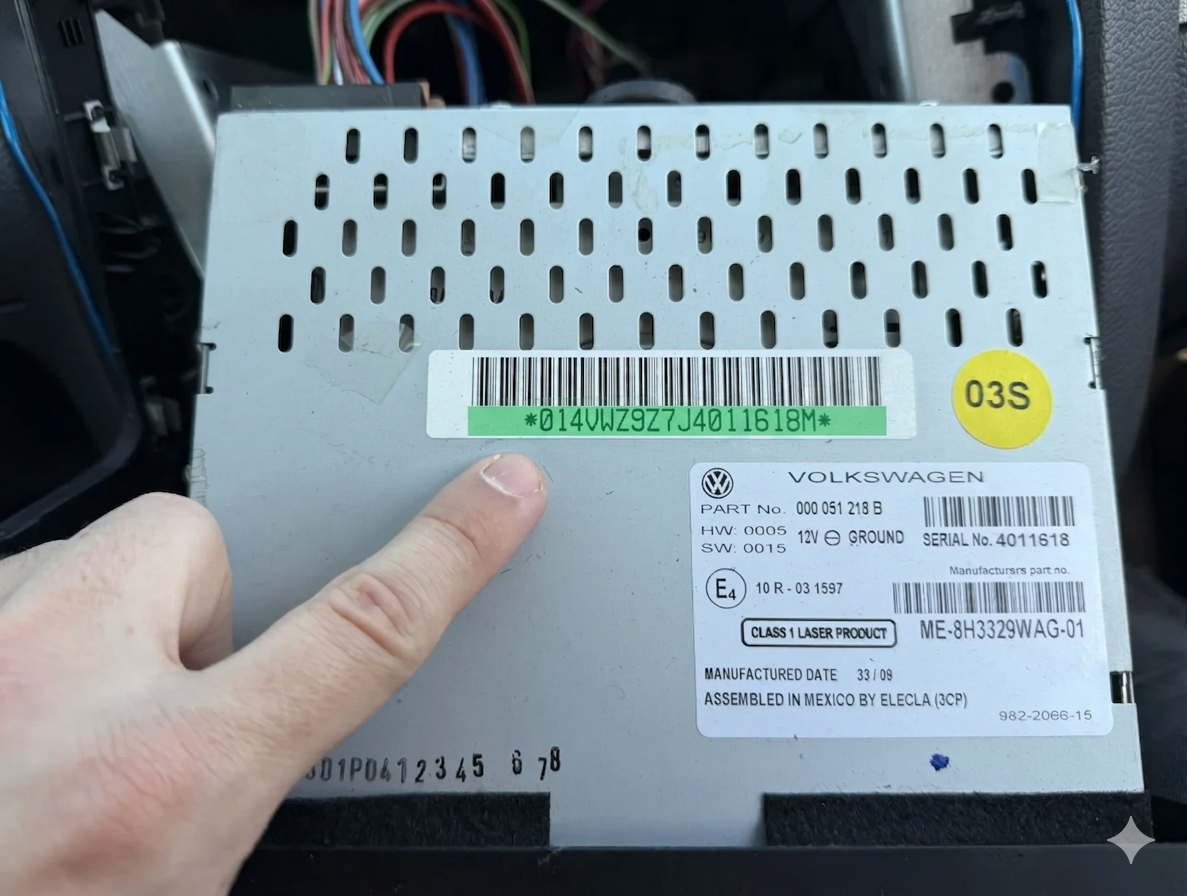
Cómo identificar el número de serie de su radio VW RCD 300, 500 o 510
Aquí hay un rápido TUTORIAL ...para ayudarle a extraer la unidad de forma segura. En algunos modelos, el número de serie puede incluir una letra adicional al final; simplemente ignore esa última letra al realizar el pedido. Preste mucha atención para no confundir la letra minúscula «l» con la letra mayúscula «I» o con el número «1».
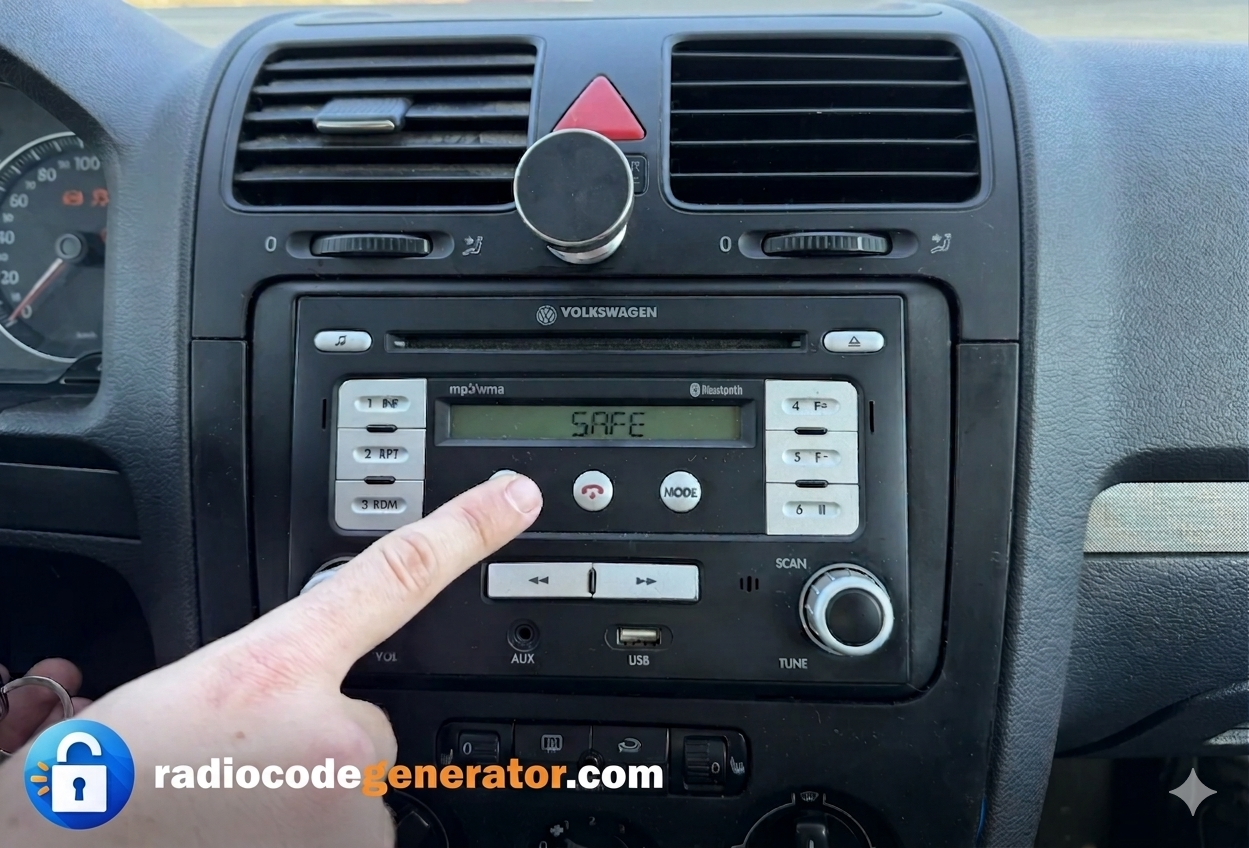
Si su pantalla muestra ‘SAFE’ o te presenta ‘1000’, utilice los botones preestablecidos 1 through 4 ...en el panel de la radio para desplazarte por los dígitos e introducirlos; luego, mantén pulsado el botón de confirmación correspondiente para desbloquearlo.
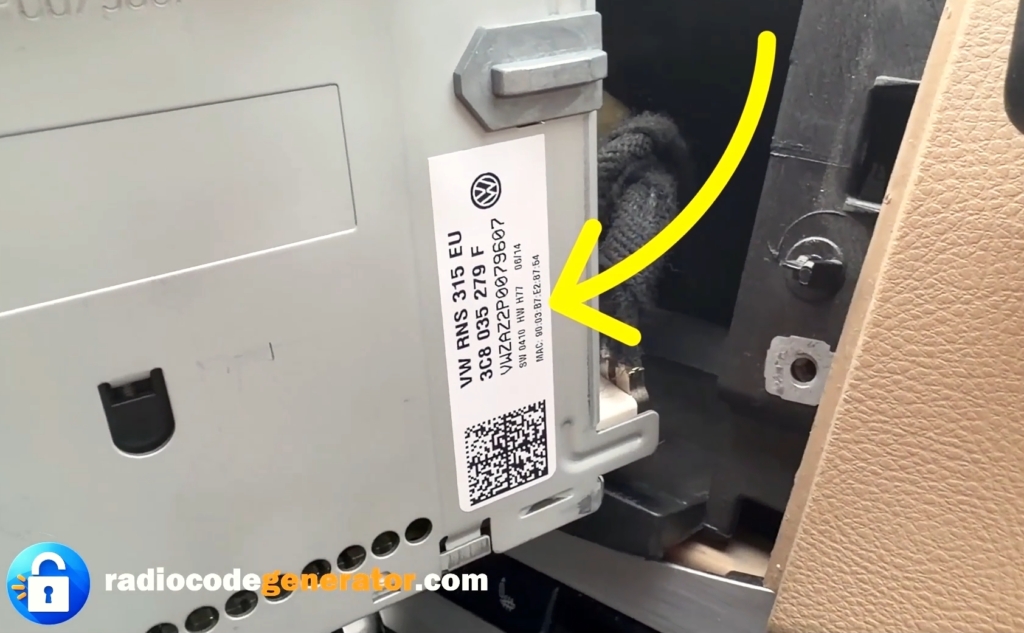
Localice la etiqueta: Revisa el cubierta metálica superior, lateral o inferior de la unidad para la etiqueta adhesiva oficial de Volkswagen.
Identifique su número de serie: Busque el número de serie de 14 caracteres grabado o impreso que comienza con VWZ (e.g., VWZ1Z2K1234567).
Cómo introducir el código de desbloqueo para VW RCD 300, 500 y 510
Después de encender su sistema de audio, asegúrese de que su pantalla muestre ‘SAFE’ o te presenta ‘1000’ para la introducción del código.
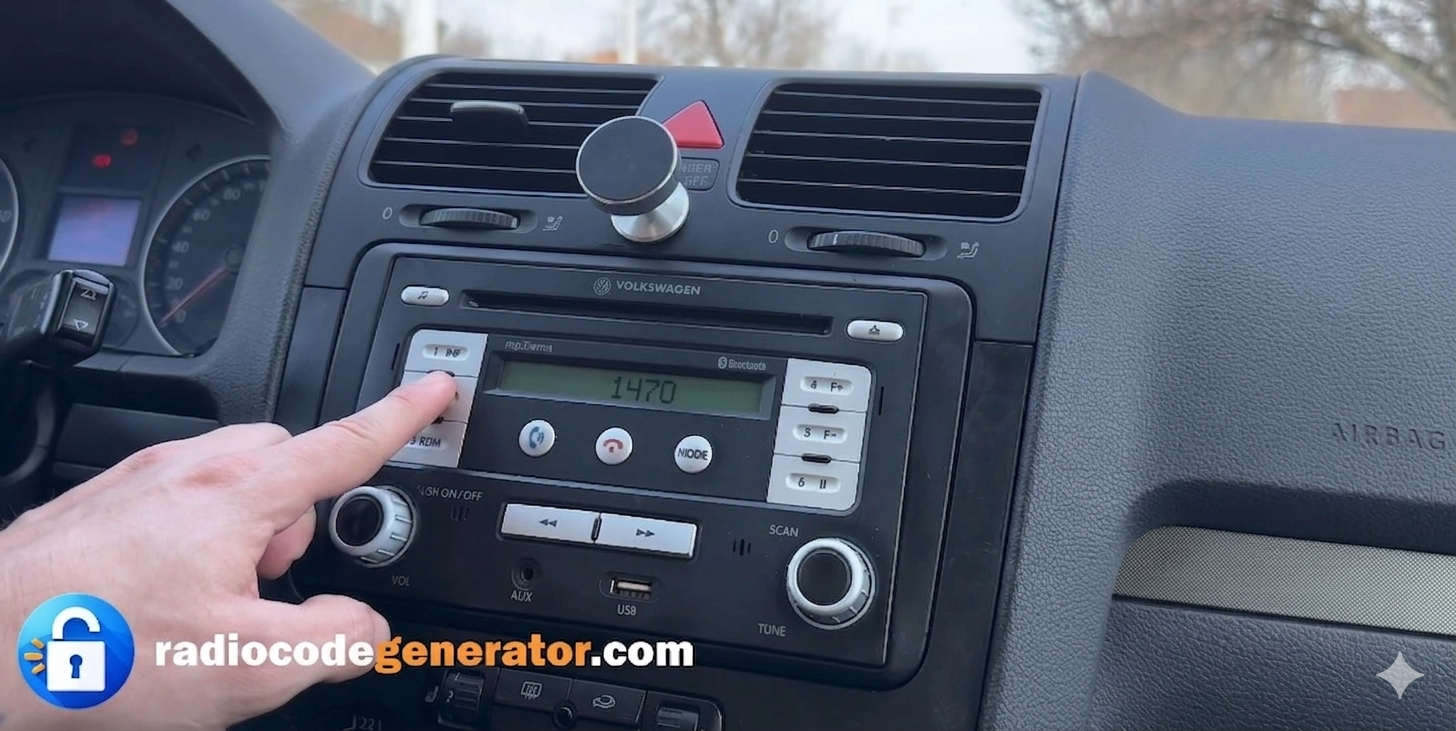
Utilice el preset buttons (1 to 4) ubicado en el panel frontal de la radio para introducir su código de desbloqueo único de 4 dígitos.
Presione el botón 1 repetidamente para seleccionar el primer dígito, button 2 para el segundo dígito. button 3 para el tercero, y button 4 para el último dígito.
Verifique la pantalla para asegurarse de que los números correctos coincidan con el código de desbloqueo que ha recibido antes de confirmar.
Una vez que el código completo se muestre en la pantalla, mantenga presionado el Flecha derecha / Aceptar botón (o el mando de sintonización/botón de confirmación de presintonía, según el modelo exacto) para guardarlo y desbloquear el sistema al instante.
¿Tiene preguntas o necesita ayuda?
Si encuentra algún problema o necesita más ayuda con su código, no se preocupe, simplemente CONTACTO Indíquenos su número de serie y lo solucionaremos rápidamente. Para obtener consejos adicionales, sugerencias para la resolución de problemas y guías paso a paso sobre sistemas de audio para automóviles, no dude en explorar nuestra PREGUNTAS FRECUENTES sección o explore nuestros últimos artículos sobre el BLOG page!