


See How Easy It Is to Get Your Radio Code
Watch this quick video to see how simple it is to retrieve your unlock code — no technical skills required.
Cómo funciona
Obtén tu código de desbloqueo de radio en 3 sencillos pasos
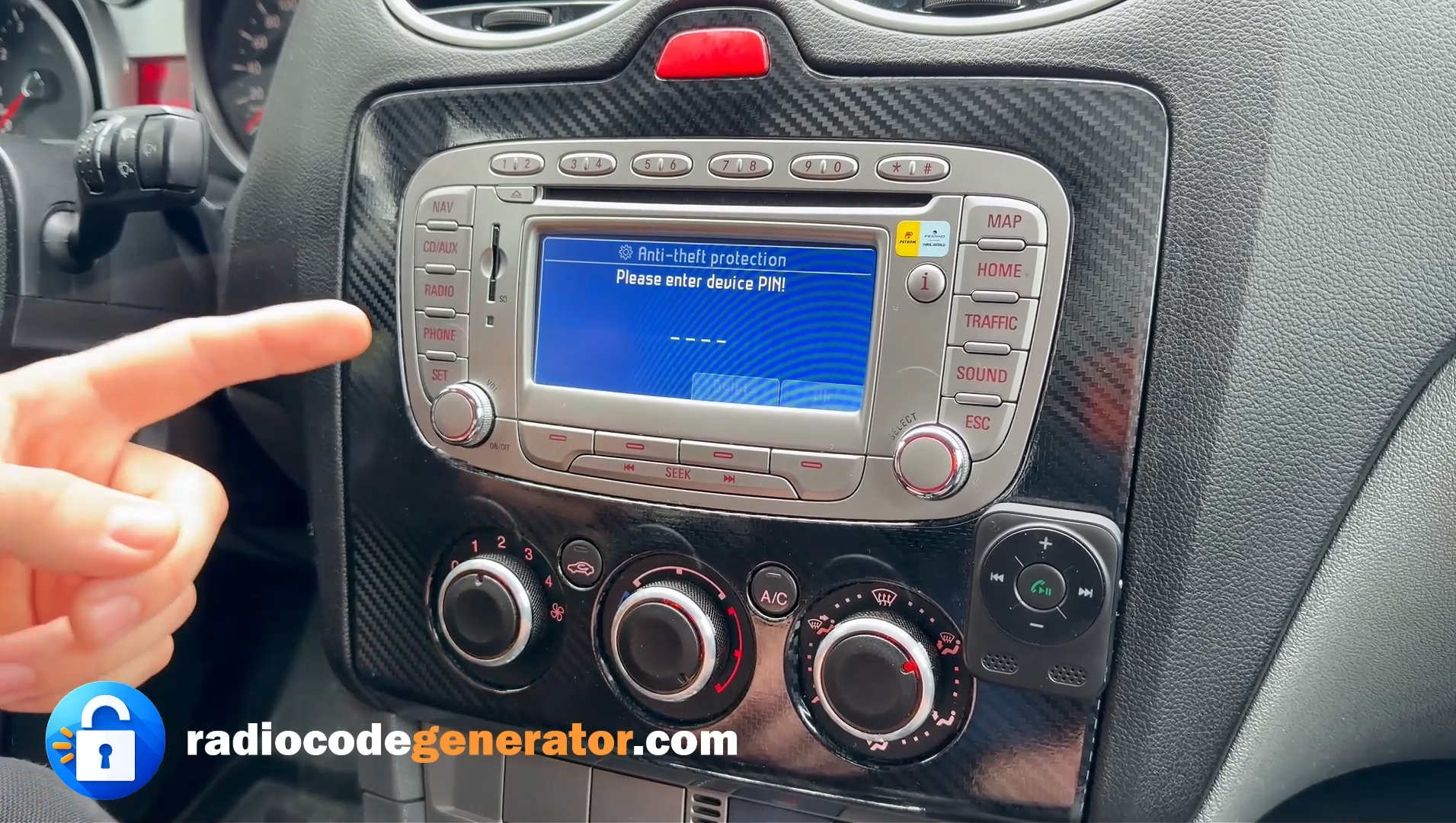
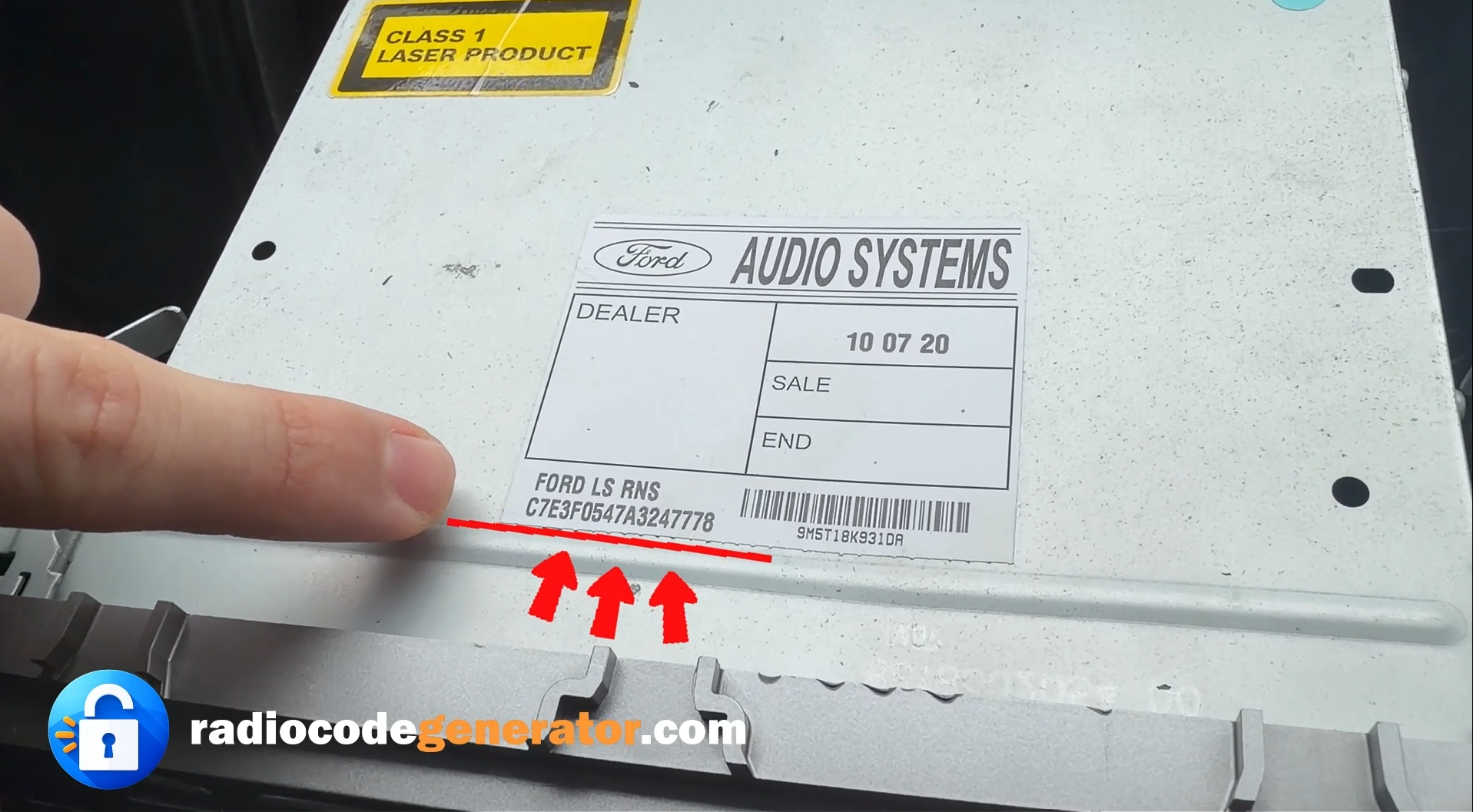
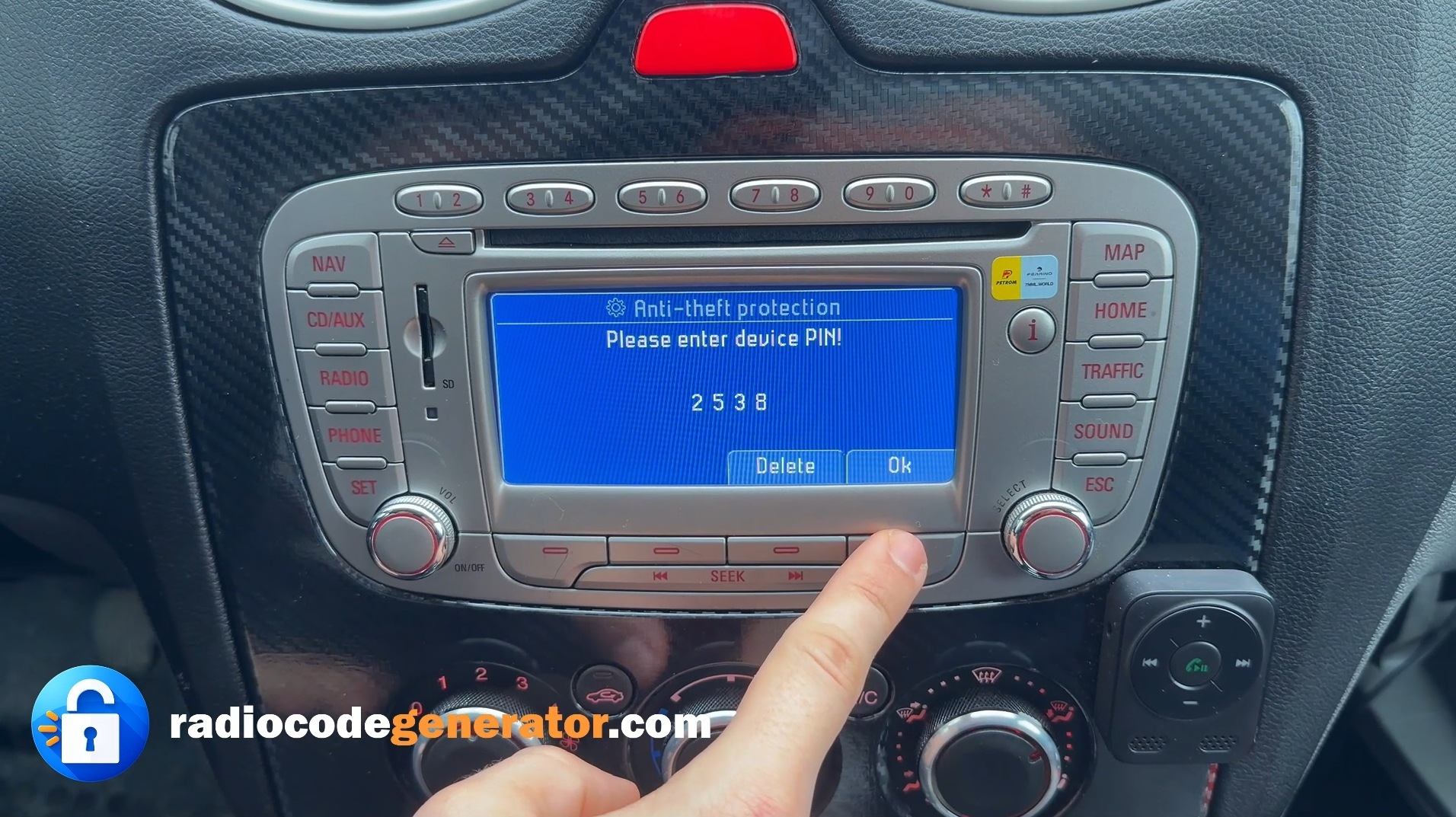
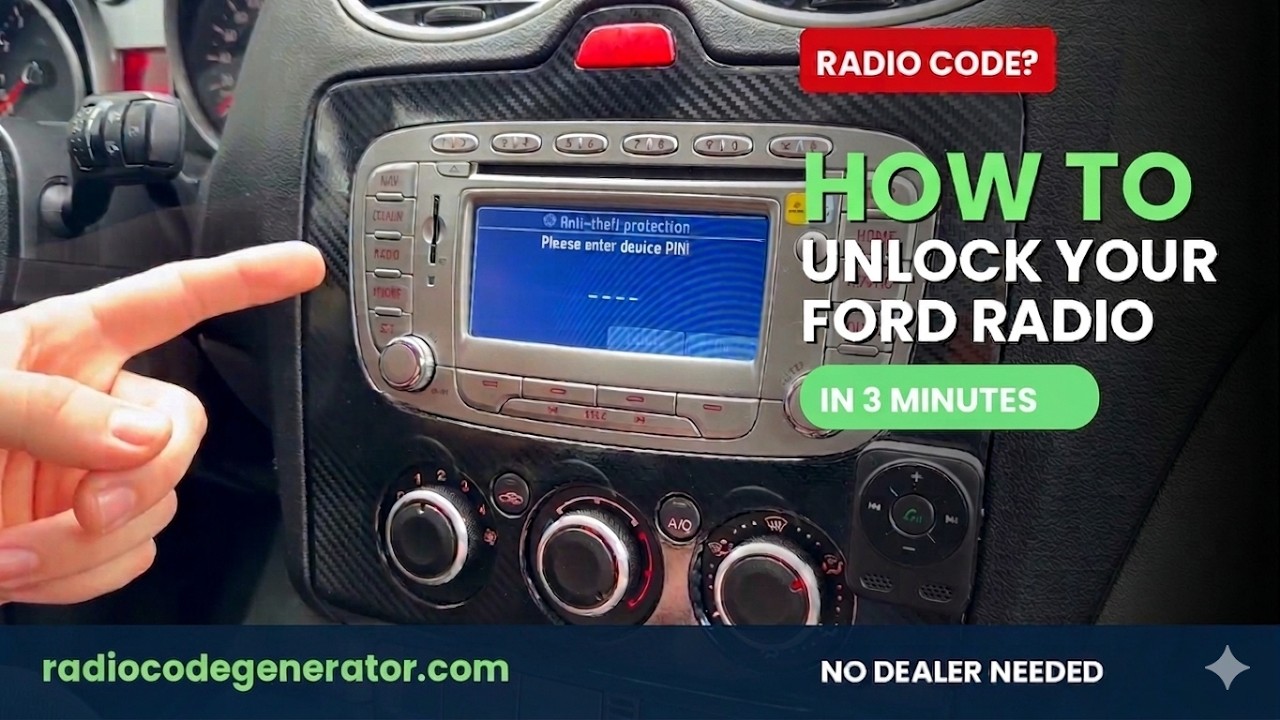
(Haga clic en el control deslizante para pausar la reproducción automática)
Blaupunkt Radio Code Retrieval
Generar su código de desbloqueo de radio en línea: Guía paso a paso
What You Need
You will need your Blaupunkt número de serie de la radio and a dirección de email válida where your want to receive your unlock code.
Fast 5-Step Process
- Locate your Blaupunkt serial number using release keys on the rear casing.
- Then press the button "Get your code now!"
- Ahora simplemente introduce el número de serie de la radio Blaupunkt, seguido de la dirección de correo electrónico donde deseas recibir el código.
- El paso final es elegir tu método de pago y finalizar el pago.
- After the transaction will be validated the code will be generated and sent to you en segundos.
How To Locate Your Blaupunkt Serial Number
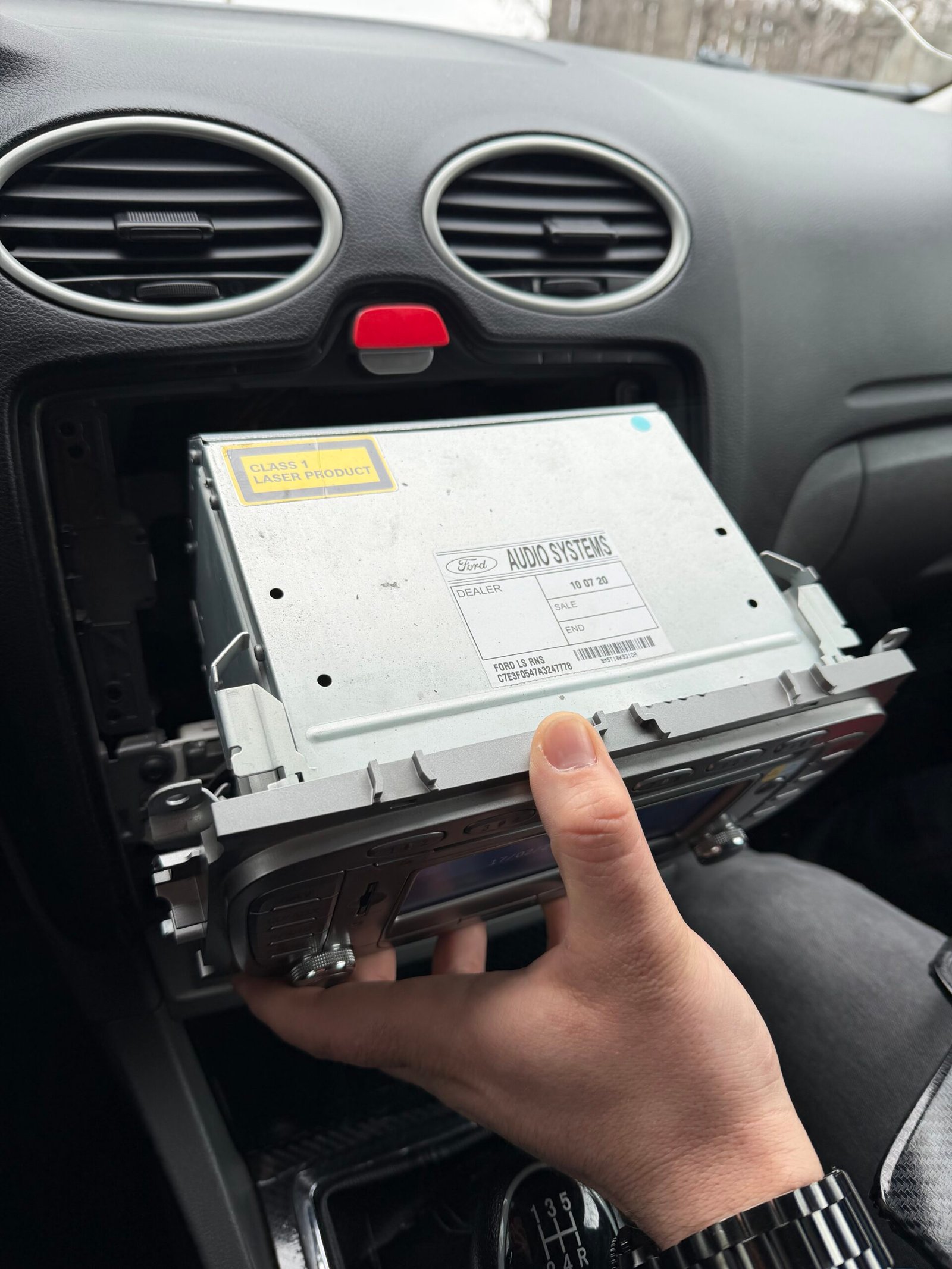
For all Blaupunkt models, you need to pull the radio slightly out of the dashboard to see the serial number. This is quick and easy: use a pair of release keys (o herramientas similares) y una herramienta de palanca fina.
Insert the release keys into the slots, press gently outwards, then pull the radio towards you just enough to see the label on the back. You do not need to disconnect any wires. The serial number is on the label on the back of the unit, or sometimes engraved on the metal above or below it.
After you remove the radio look for the label on the back or side of the radio. There under the barcode you will find your serial number. The most common ones will start with AUZ, BP, VWZ, GM or C7.
Ejemplos de números de serie de Blaupunkt: VWZ1Z1A1234465, AUZBZH7145296, SKZ2Z1H7844323, CM3345 6 3445653, GM033238433356.
How To Enter The Blaupunkt Unlock Radio Code
Entering the code is a simple process, just follow these easy to follow guidelines:
- Para el primer número que forma tu código, debes presionar el botón correspondiente hasta que lo encuentres. Por ejemplo: si el primer dígito del código es 2, presiona el botón dos veces.
- Presione el segundo botón para el segundo elemento del código.
- Continúe lo mismo para los botones restantes.
- To confirm the code, depending on the model of the radio you have to press AS button, up arrow or search button.
- Para confirmar el código, dependiendo del modelo de la radio hay que pulsar el botón AS, la flecha arriba del botón de búsqueda
- Ahora solo te queda disfrutar de tu radio.
Useful Information About Blaupunkt Radio Code Generator And Radio Codes
How To Find The Blaupunkt Radio Code?
Perder el acceso a tu sistema de entretenimiento Blaupunkt puede ser muy frustrante, pero no te preocupes: con solo tu número de serie, puedes descifrar el código y recuperar el control de tu experiencia de audio. Las radios Blaupunkt cuentan con una función de seguridad que requiere un código de desbloqueo para garantizar su protección y evitar robos.
Unlocking The Blaupunkt Radio
The first step in retrieving your Blaupunkt unlock radio code is to locate the radio's número de serie. This unique identifier is typically found on a sticker or label attached to the radio unit itself, on the back or the side of the radio unit, or in the radio's documentation.
Unlock Code Retrieval Methods For Blaupunkt Radios
With the serial number in hand, you can now reach out to Blaupunkt customer support or utilize an online code retrieval service like ours. Our service is designed to assist you in retrieving the specific unlock code corresponding to your radio unit.
What If My Code Doesn't Work?
If the unlock code you have entered does not work, double-check the número de serie used and double-check the accuracy of the code, make sure that you have followed the correct procedure for entering it. If the issue persists, contact our customer support or consult an authorized service center for further assistance.
¿Tiene preguntas o necesita ayuda?
If you have lost your unlock code or you face any other issue, don't worry, you just have to CONTACTO us and provide the radio serial number and we will sent back your code again with no costs whatsoever. For additional info and more tips about car stereos and car radio unlock codes you can always visit our PREGUNTAS FRECUENTES page, here you can find answers to your questions!