

See How Easy It Is to Get Your Radio Code
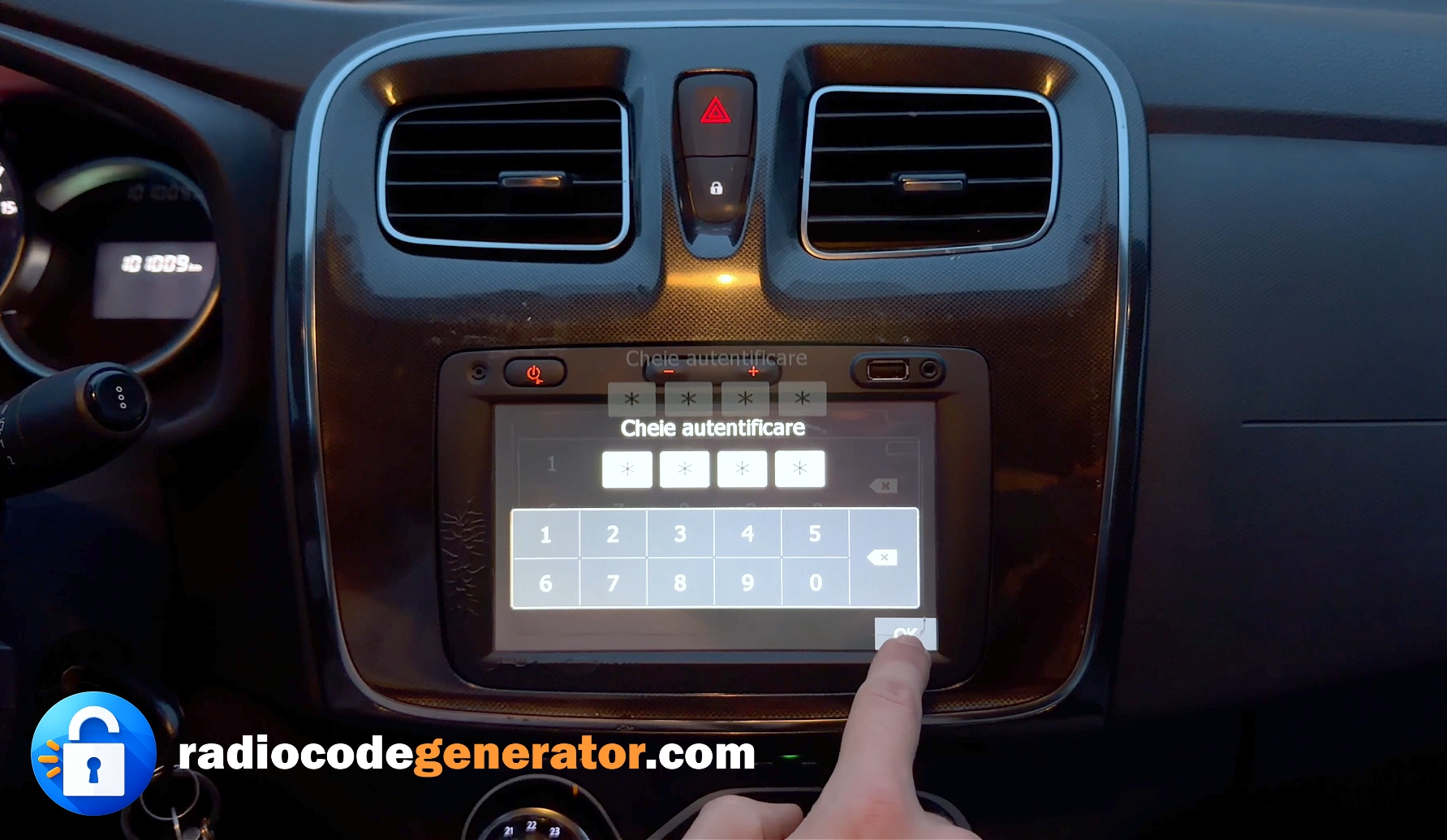
Watch this quick video to see how simple it is to retrieve your unlock code — no technical skills required.
Cómo funciona
Obtén tu código de desbloqueo de radio en 3 sencillos pasos
(Haga clic para pausar)
How To Locate Your Renault Serial Number & Code
Retrieve your Renault radio unlock code online quickly and securely. Follow the step-by-step guides below.
How To Locate Your Renault VIN Number
Now you can generate your Unlock Renault code with your registration number (VIN) number. You will find the serial number most of the times on the lower part of the windshield (the driver side). You can also find it on the driver's door jam or on the steering column.
Ejemplo de un número VIN: VF34SRAS229501304. Utilice este número VIN para generar su código.

Find Your Renault Serial Number On Screen or Label
If the radio is connected to a display, you can find the serial number on the screen of the radio, without having to partially remove it from the dashboard. Press and hold the buttons 1 and 6 for a few seconds. Example of Serial Number: T684 or C401.
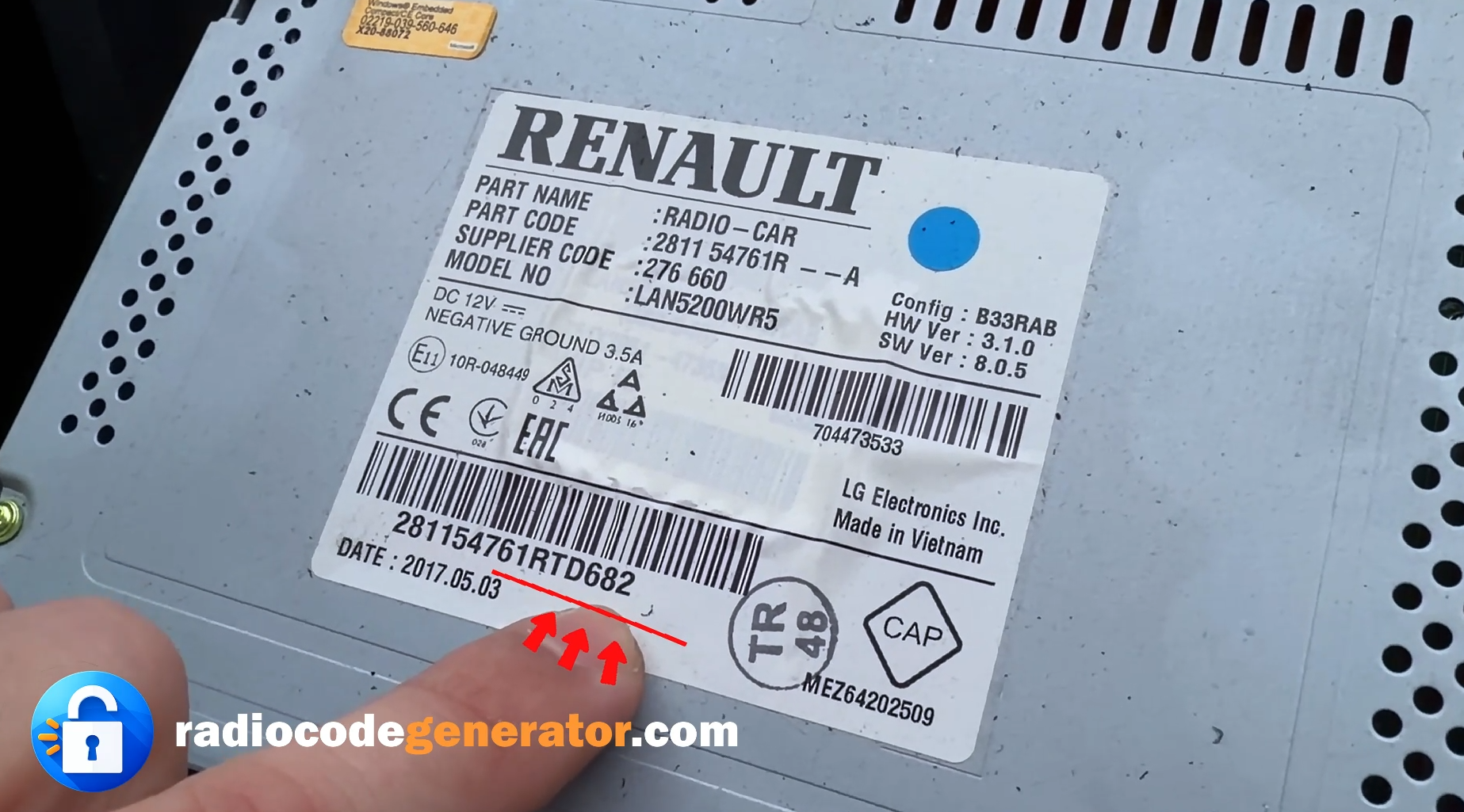
For radios not connected to a screen, find it on the label on the back. You will need extraction tools.
Examples: T0V435, 346750063RTB132, N909, 9890178157TF435.
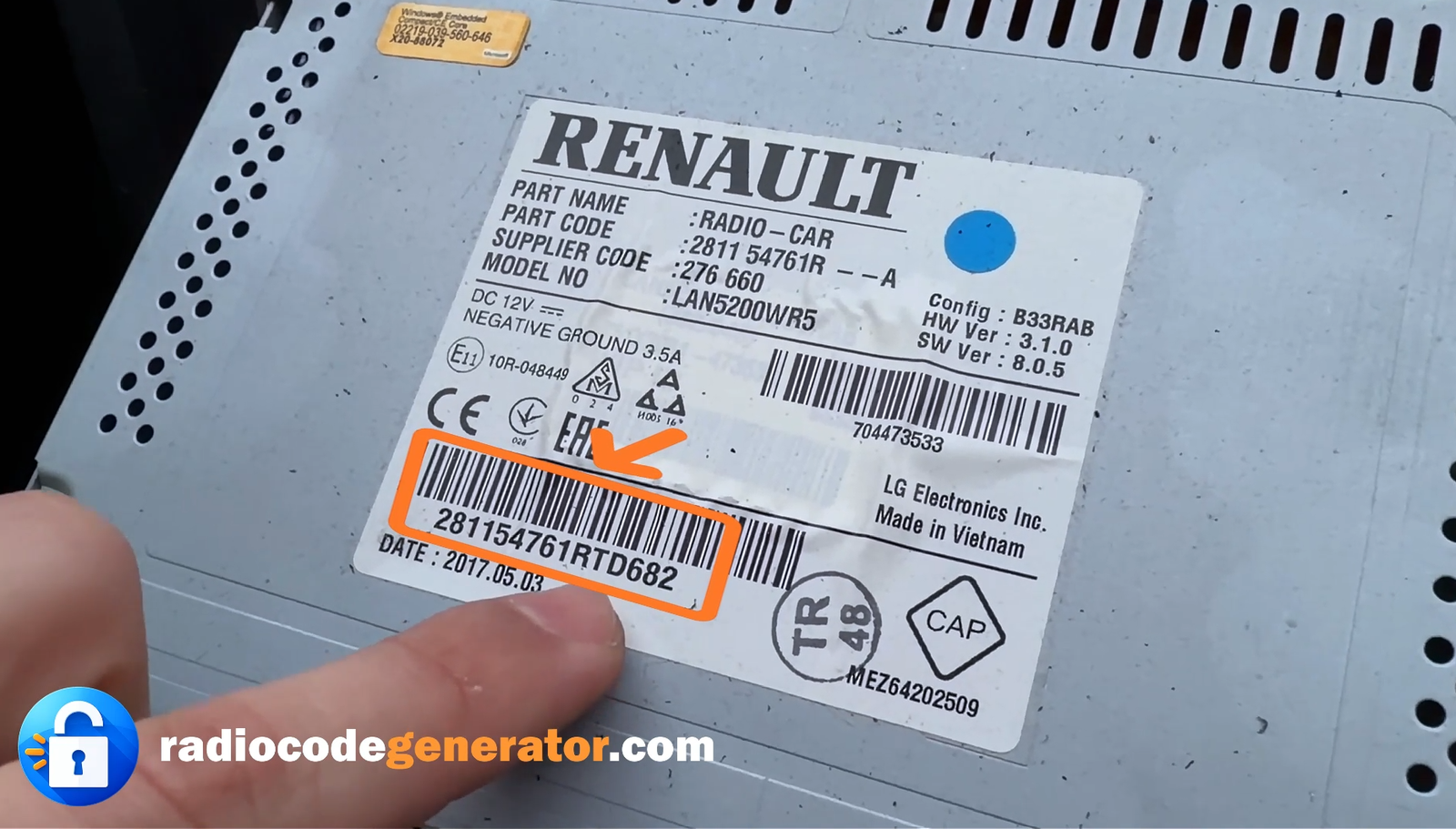
Renault Bosch & Phillips Radios
Renault Bosch Radios
To obtain the serial number for Renault Bosch Radios, remove the unit using extraction tools. Look for a label starting with "2811".
Renault Phillips Radios
Remove the unit using release keys. Under the barcode you will find a serial number formed by a letter followed by three numbers (Example: A341).
How To Enter The Renault Radio Code?
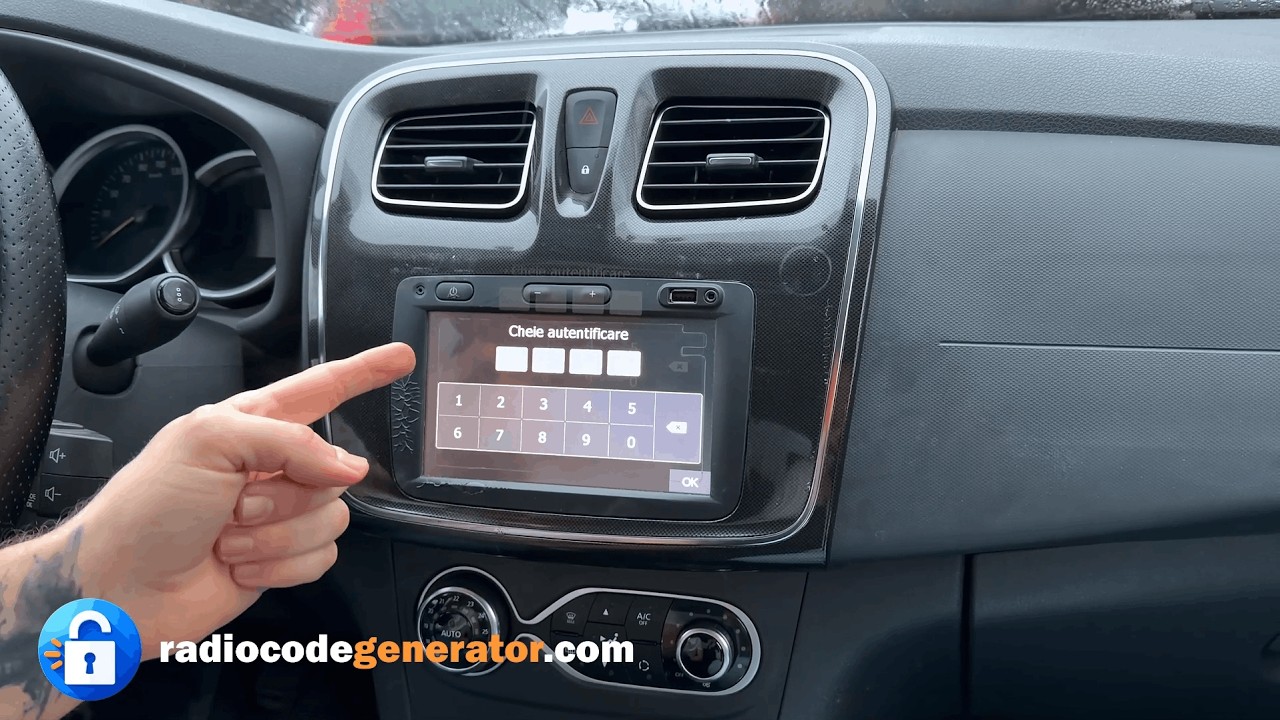
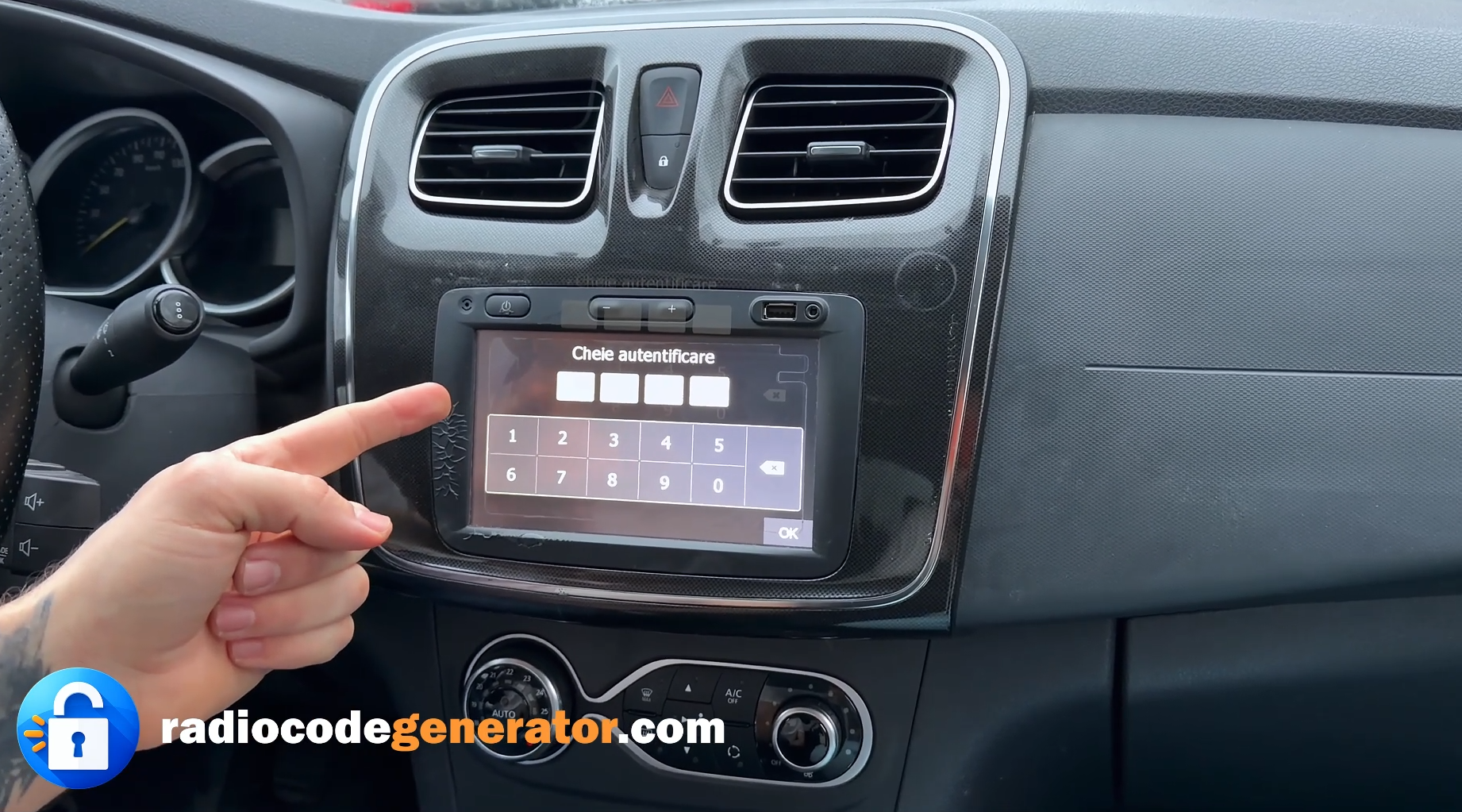
- Turn on the car's ignition and ensure that the radio unit is powered ON.
- The display screen will show "CODE" or "ENTER CODE" indicating that the radio requires a code.
- Use the radio preset buttons or tuning knob to enter the digits. Each digit is selected by pressing the corresponding button multiple times.
- Once you have entered the complete code, review it on the screen.
- Press the "OK" o "ENTER" button to submit and unlock the radio.
What Is The Renault Radio Code?
The Renault unlock radio code is a security implementation done to prevent unapproved access to the car's audio system. It is a unique code that needs to be entered into the car's audio system after it has been disconnected from power or if the battery has been changed.
Why Renault Radios Need A Code?
The role of the Renault radio code is to prevent theft and ensure that only the rightful owner can use the car's audio system. The code is usually provided by the manufacturer or obtained from authorized online services.
How Renault Radio Codes Are Generated?
The process involves complex algorithms that take into account elements specific to each car manufacturer and radio unit, ensuring unique codes that cannot be easily guessed or copied.
Renault Radio Code Retrieval Methods
You can contact the car manufacturer/dealership or use an online code retrieval service like ours where you provide necessary details about your car and radio unit to receive the corresponding unlock code.