


See How Easy It Is to Get Your Radio Code
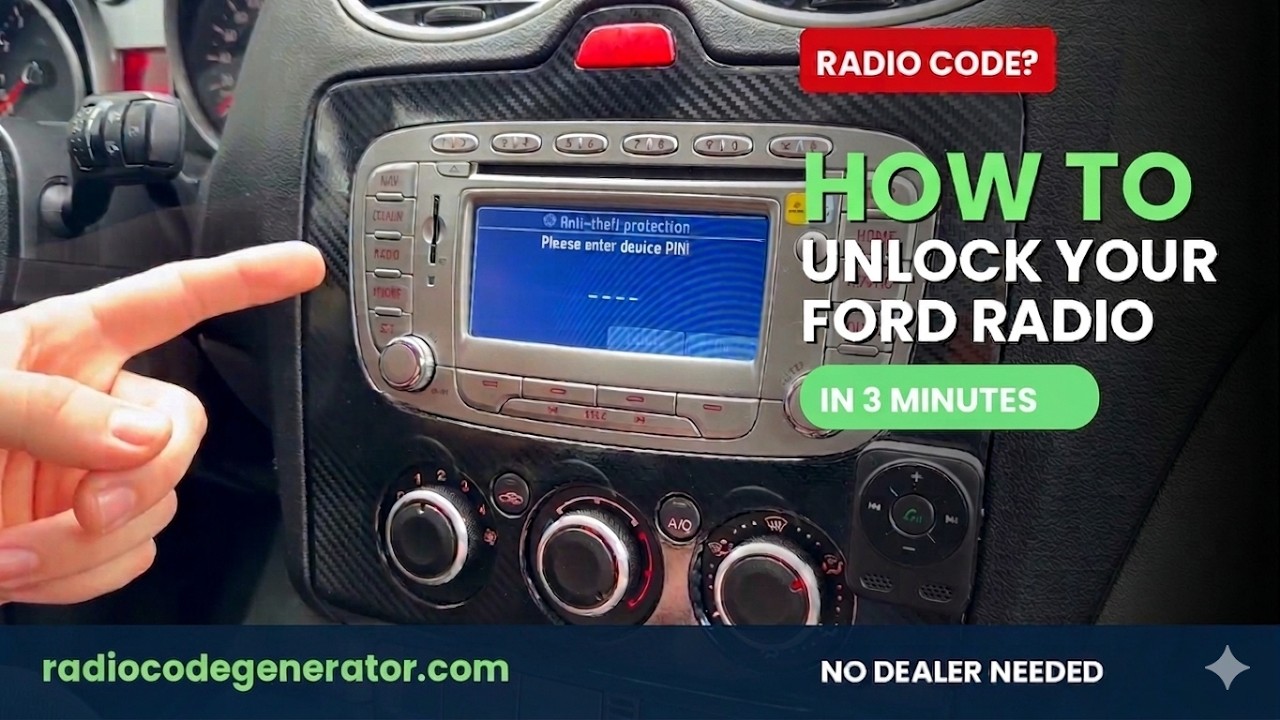
Watch this quick video to see how simple it is to retrieve your unlock code — no technical skills required.
Cómo funciona
Obtén tu código de desbloqueo de radio en 3 sencillos pasos
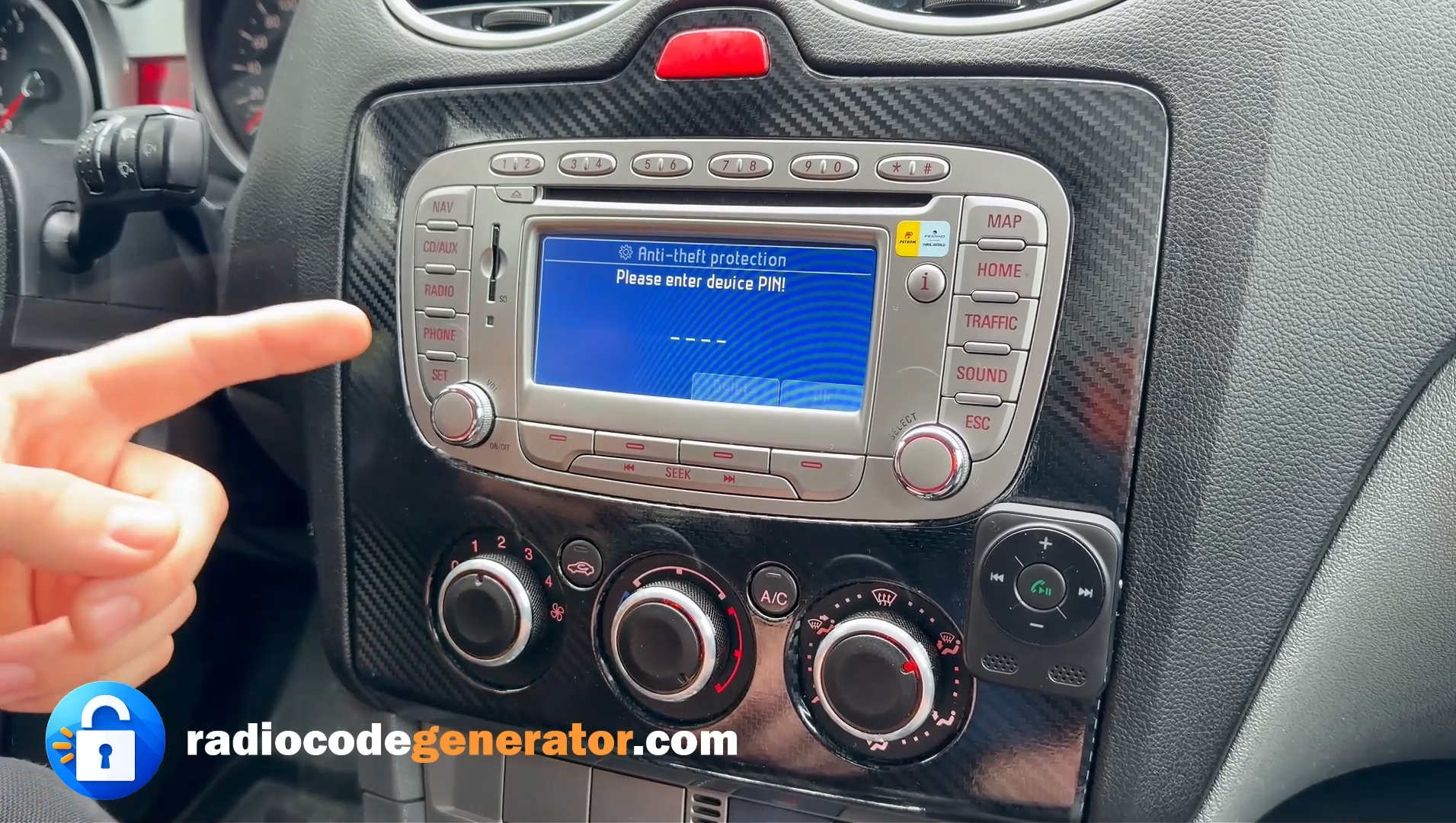
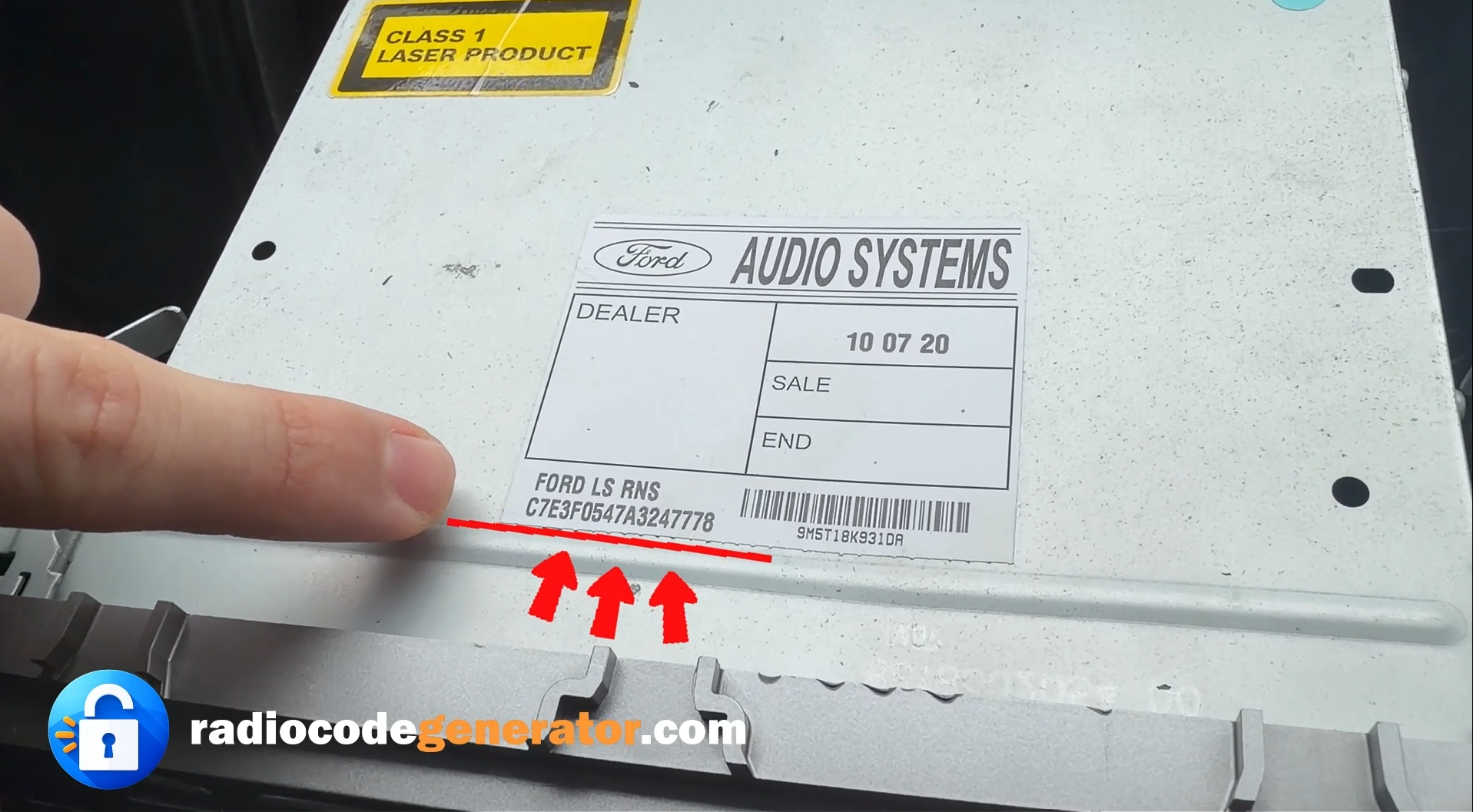
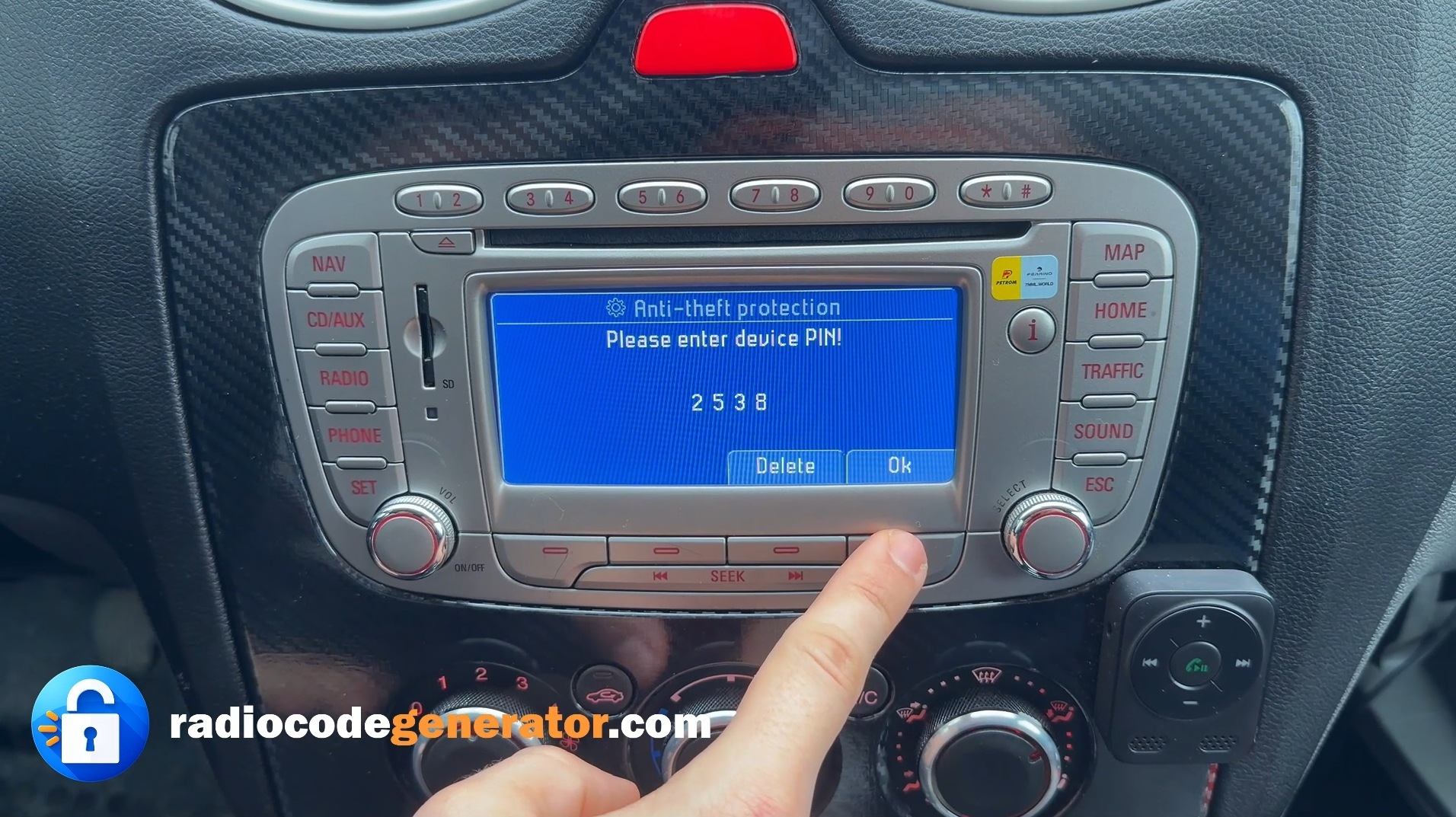
(Haga clic en el control deslizante para pausar la reproducción automática)
Ford Radio Code Retrieval
How To Generate Your Ford Radio Unlock Code Online: A Step-By-Step Guide
What You Need
You'll only need your Ford número de serie de la radio and a dirección de email válida where you want to receive your radio code.
Fast 5-Step Process
- Locate your Ford serial number using the screen or rear label.
- Next press the button "Get your code now!"
- Ahora simplemente ingrese el número de serie de la radio VW, seguido de la dirección de correo electrónico donde desea obtener su código.
- El paso final es finalizar el procedimiento de pago.
- After the transaction is validated your code will be generated and sent to you in just a few seconds.
6000 CD Unit
Paso 1: Busque el número de serie en la pantalla.
First make sure that your radio is On. For this model you can find the serial number on the screen of the radio, without having to remove it from the dashboard. Only if you can't show it on the screen then you will have to take your radio and locate the serial number on the side or back of the radio (you have on the bottom of the page all the information you need on how to do it).
Press and hold buttons 1 and 6 for about 3 seconds. The display will show several details, but you only need the last serial number that appearsEscríbelo o toma una foto para estar seguro.
Serial number Example: V125220 o FDD3005M1564523

Step 2: Find the serial number on side or back of the radio.
First you have to partially remove the radio unit from the dashboard. You will need some extraction tools or something similar found at home. Be aware, you don't have to disconnect any wires in the process. After you have your radio out, look on the sides or back of the radio after a label. On that label you should have the serial number.
Serial number Example: V135620, M435901. A correct serial number has six digits and starts with the letter V o M.
4500 RDS & RDS E-O-N
4500 RDS Radio
For 4500 RDS we will need the M serial number. First make sure that your radio is On, for this model you can find the serial number on the screen of the radio, without having to remove it form the dashboard.
Press and hold the buttons 2 and 6 for about 3 seconds. On the screen will see the serial number in this format: M124220. Make sure that you press 2 and 6 not 1 and 6. Use this serial number to generate your code.
RDS E-O-N Cassette & CD
For RDS E-O-N Cassette & CD we will need the M serial number, that is located on the label on the back of the radio unit. First you have to remove the radio unit from the dashboard using removal tools. Serial number Example: M435901. A correct serial number has six digits and starts with the letter M.
Ford Sony MP3 Radio - Sony CD3XX
For Sony CD3 Radios we will need the SOC serial number. First make sure that your radio is On, for this model you can find the serial number on the screen of the radio.
Press and hold the buttons 1 and 6 for a few seconds, you will see on the screen a selection of information, we are interesting only by the serial number that stars with SOC. For Example: SN SOCD5X7V211343. Use this serial number to generate your code.
If for any reason you can get the serial number from the screen, you can find it on the back of the radio unit too by partially removing it using removal tools.
Otros modelos originales de Ford
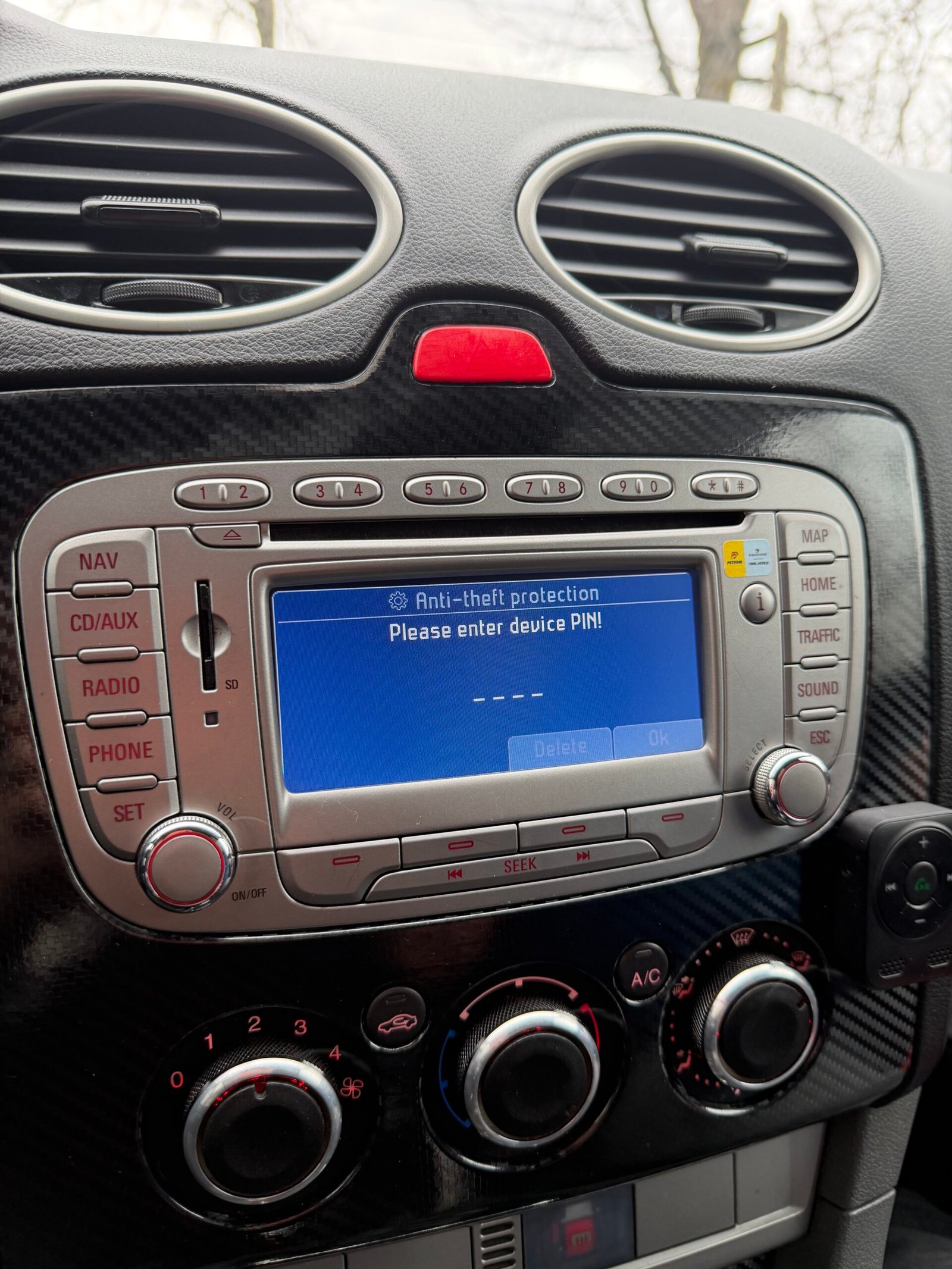
If you own a Ford with the original radio on it you will find your serial number on the label on the back of the radio unit. First you have to remove the radio unit from the dashboard using extraction tools or something similar found at home.
Here is a list of all Original Ford Radio Serial Numbers:
- M Series:
M238967 - V Series:
V349067 - L Series:
L345745 - C Series:
C232090 - Blaupunkt:
C7E3A67 A 3477001 - Blaupunkt:
BP3425 A 3480001
FAQ About Ford Radio Codes
How Do I Get My Ford Radio Code?
After you have located the radio serial number using the information provided above you just need to follow a few steps and you will have your code in a few moments. Our Ford radio code online unlock service can generate the unlock code for any original Ford radio model.
¿Puedo obtener mi código de radio Ford gratis?
The process behind generation the Ford unlock radio code is not a simple one, that's why for most of the radio models the unlock code can't be generated for free; no current online radio code provider can generate the code without a fee.
The first step for finding your radio code is to check for it in your car manual (some cars may have the unlock code displayed there). The only other method to find your code, beside the online generation, is to visit a local dealership, but be aware it can take time and in some cases it will be more expensive than an online service.
¿Tiene preguntas o necesita ayuda?
In case you loose your radio code or you face any other problem, don't worry, you just have to CONTACTO us and provide your serial number and we will give you your code again with no costs whatsoever. For more tips and information about car stereos and car radio unlock codes you can always visit our PREGUNTAS FRECUENTES donde podrá encontrar respuestas a sus preguntas.