
Volkswagen RNS 300, RNS 310, RNS 315 Radio Code Generator
Recupere de forma segura el código perdido de su sistema de navegación Volkswagen RNS 300, RNS 310 o RNS 315 utilizando únicamente el dispositivo. i número de serie .


Cómo funciona
Obtén tu código de desbloqueo de radio en 3 sencillos pasos
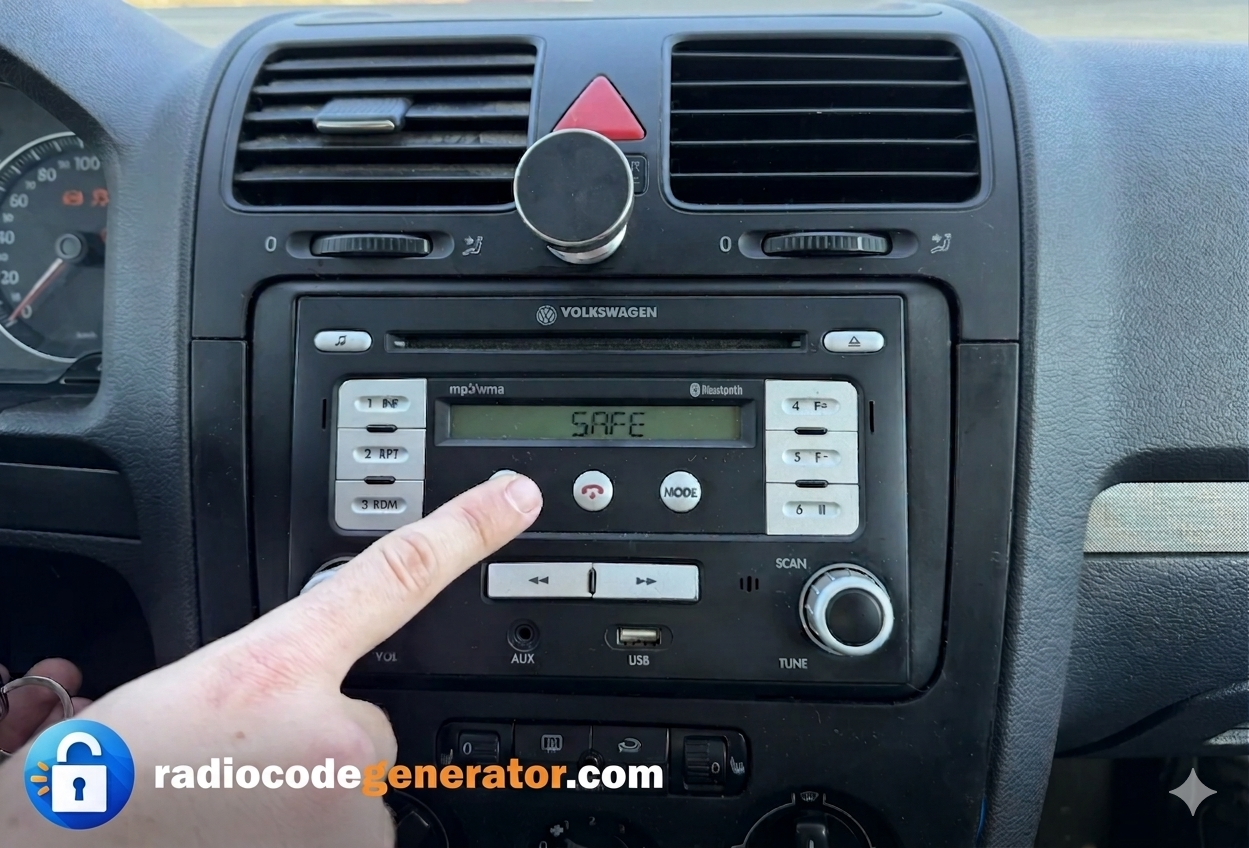
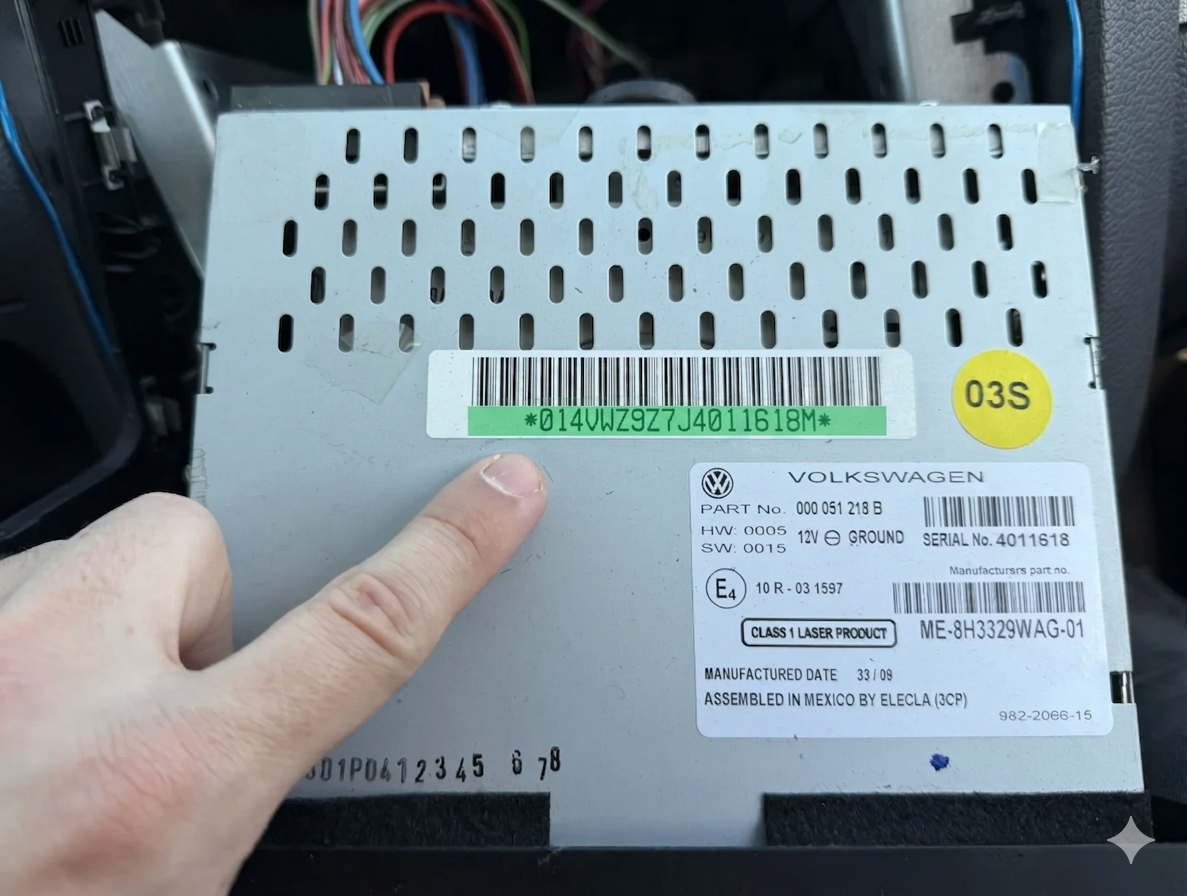
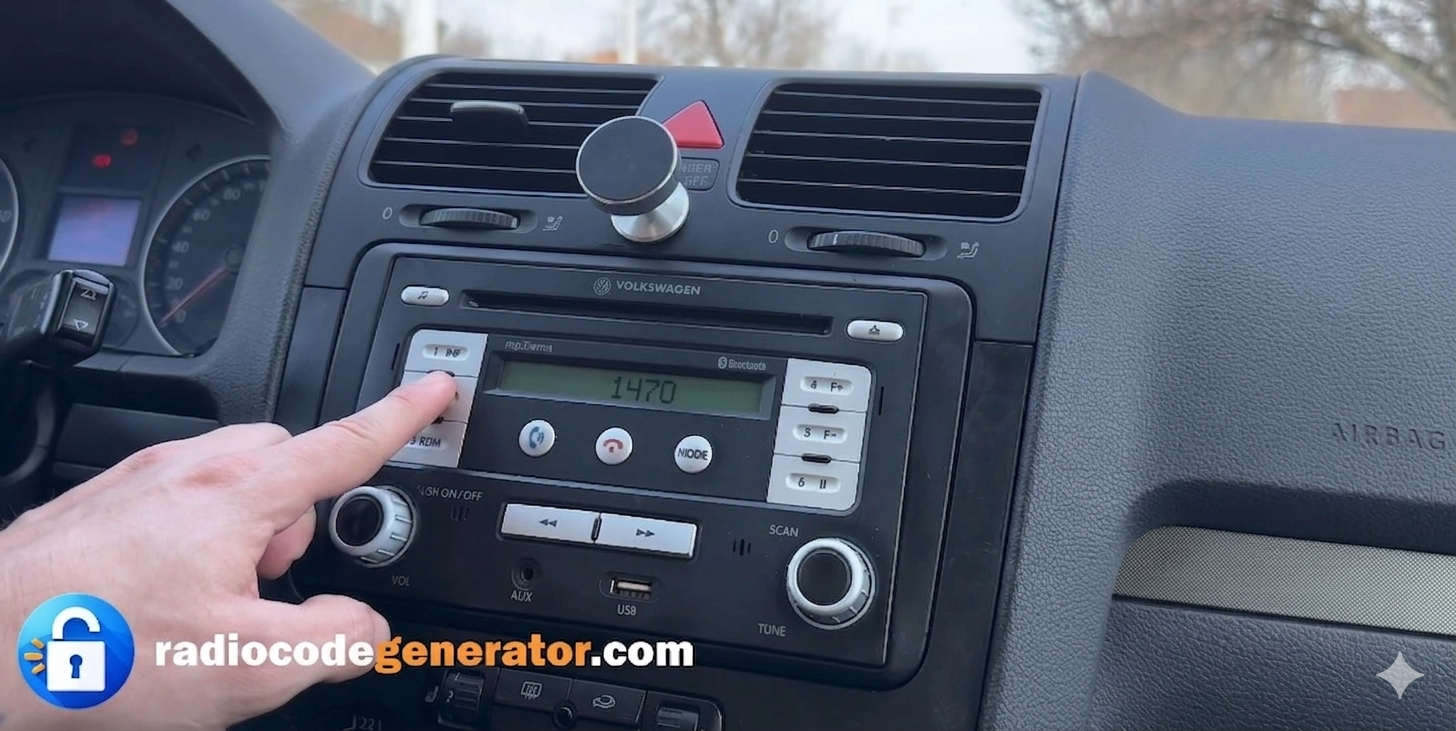
(Haga clic en el control deslizante para pausar la reproducción automática)
Cómo encontrar el número de serie de la radio de tu Volkswagen
Para recuperar su código, necesitará el número de serie único grabado o impreso en la carcasa del sistema de navegación. Siga estos sencillos pasos:
Retire parcialmente la unidad: Utilice las llaves de extracción estándar para sistemas RNS (herramientas de extracción) para deslizar la unidad de navegación fuera del salpicadero lo suficiente como para acceder a la carcasa.. Necesitarás algo de extraction tools o algo similar que se encuentre en casa
. No necesita desconectar ningún cable.
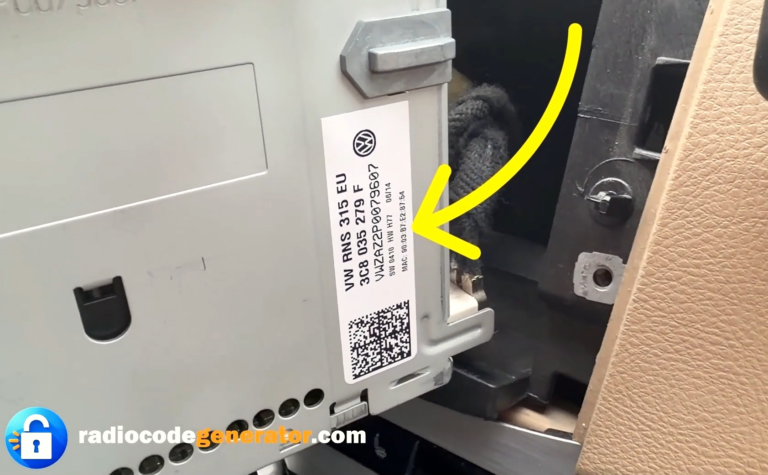
Localice la etiqueta: Revisa el parte superior, laterales o carcasa metálica de la radio para la etiqueta adhesiva oficial de Volkswagen.
Identifique su número de serie: Busque una cadena de 14 caracteres que comience con VWZAZ (e.g., VWZAZ1A1234465).
Aquí tienes una guía paso a paso. TUTORIAL sobre cómo quitar su radio. En algunos casos, el número de serie puede tener una letra al final (Ej: VWZAZ1A1234465 ), simplemente debes omitir esta letra al introducir tu número de serie. Asegúrate de distinguir entre la letra «l» minúscula y la «I» mayúscula, ya que esto puede provocar errores.
Si en la pantalla de su radio está ‘SAFE’ o ‘ENTER CODE’, mantén presionados los botones ‘SETUP’ + ‘INFO’ o consulta cómo proceder para introducir tu código.
Cómo introducir el código de desbloqueo para VW RNS 300, 310 y 315
Después de encender su sistema de navegación, asegúrese de que en su pantalla esté ‘SAFE’ o la solicitud de ingreso del código.
Utilice el rotary buttons o la interfaz de pantalla táctil en los laterales o la parte frontal de la radio para seleccionar los números que componen su código.
Gire o presione los botones hasta que aparezca el primer dígito de su código en la pantalla.
Haz lo mismo con los números restantes utilizando los botones secuenciales o las opciones de la interfaz.
Una vez que tenga el código completo en la pantalla, confirme o presione Ingresar (o utilice el mando de selección) y podrá empezar a disfrutar de su sistema de entretenimiento para el automóvil.