
Generador de código PIN para radios Volkswagen Beta | Delta
Get your original Volkswagen Beta or Delta radio code using only the device i número de serie . Fast, 100% online, no tools required.


Cómo funciona
Obtén tu código de desbloqueo de radio en 3 sencillos pasos
(Haga clic en el control deslizante para pausar la reproducción automática)
Cómo encontrar el número de serie de los equipos de sonido Volkswagen Beta y Delta
Para recuperar su código, necesitará el número de serie único grabado o impreso en la carcasa del sistema de navegación. Siga estos sencillos pasos:
Retire parcialmente la unidad: Inserte con cuidado release keys (o herramientas de liberación compatibles) en las ranuras de las esquinas del panel frontal para liberar los clips internos y, a continuación, deslice la radio ligeramente hacia afuera del salpicadero.
No es necesario desconectar ningún cable.
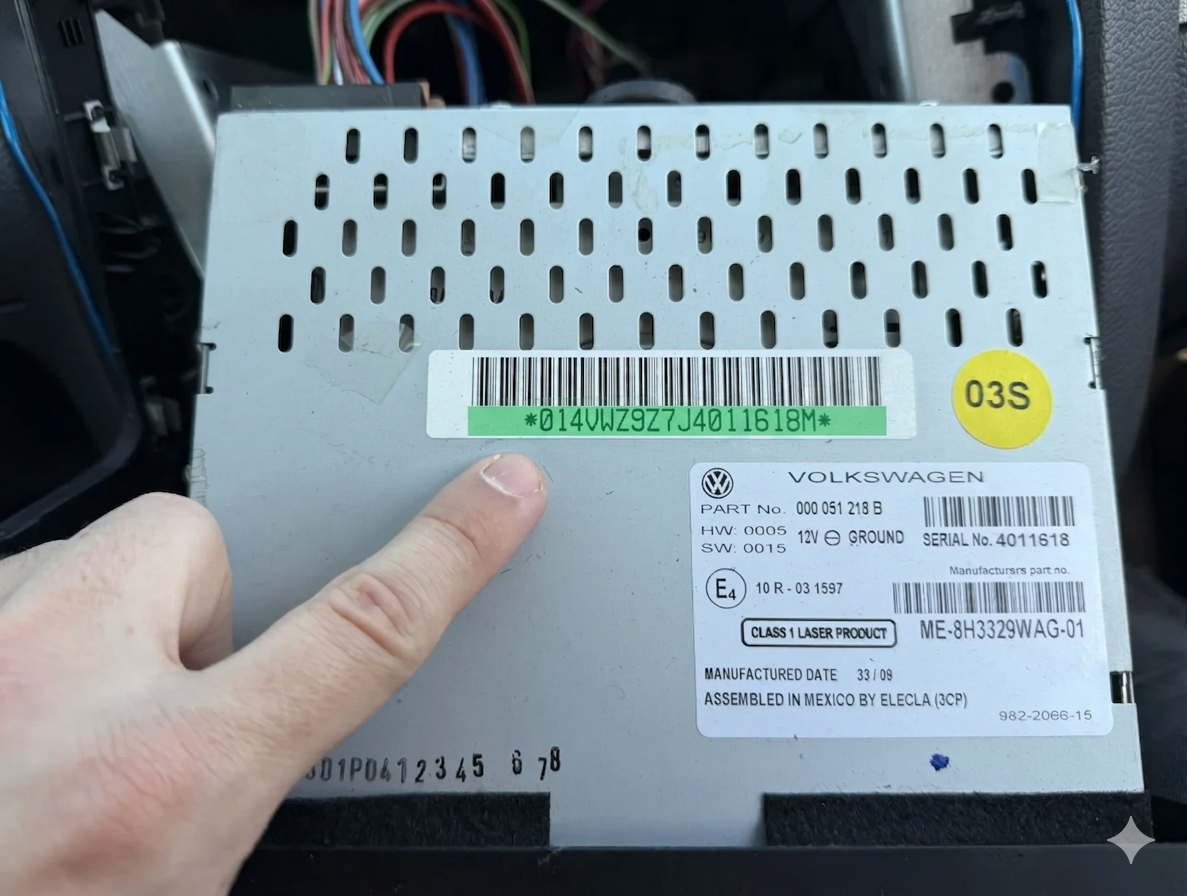
Localice la etiqueta: Revisa el cubierta metálica superior, lateral o inferior de la unidad para encontrar la etiqueta adhesiva blanca oficial de Volkswagen.
Identifique su número de serie: Busque el número de serie único que comienza con VWZ (e.g., VWZ1Z2K1234567 o VWZZ1Z2…).
Aquí hay un rápido TUTORIAL ...para ayudarle a extraer de forma segura su unidad clásica VW Beta o Delta sin dañar los plásticos antiguos del salpicadero. En algunas versiones más antiguas de Blaupunkt o Grundig, es posible que el número de serie esté grabado directamente en la carcasa metálica, junto a la etiqueta con el código de barras.
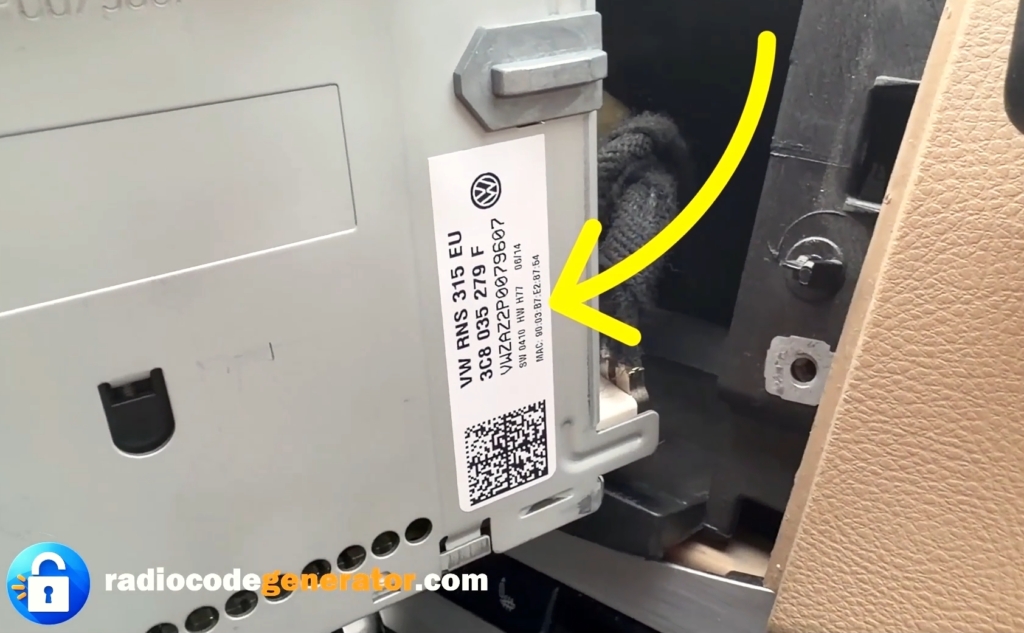
Presta mucha atención al leer los caracteres para evitar confundir una letra minúscula. ‘l’ con mayúscula ‘I’ o el número ‘1’, así como la carta ‘O’ con numero ‘0’.
Ejemplos de números de serie comunes que podría encontrar:
VWZ1Z2H5678901(Blaupunkt variants)VWZZ1Z29876543(Grundig / Philips variants)
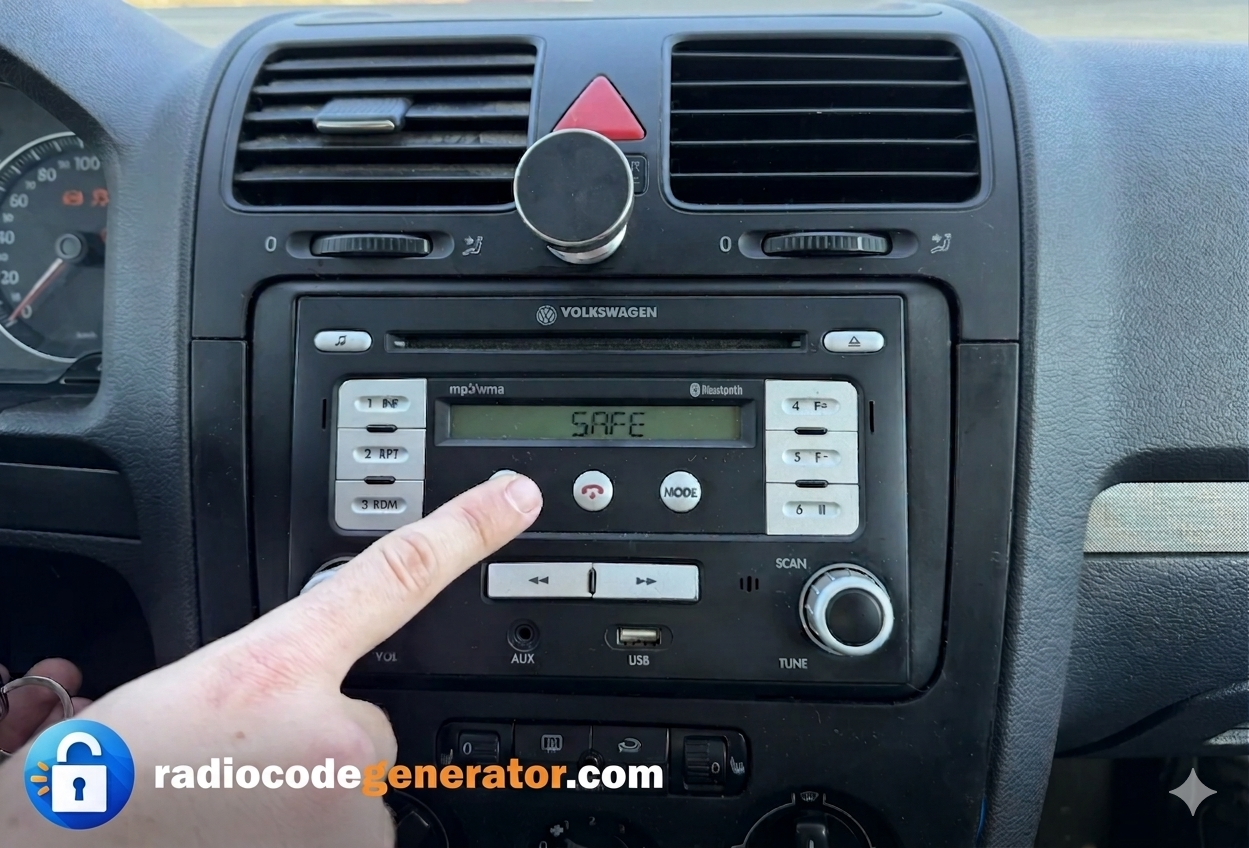
Si su pantalla muestra ‘SAFE’ o le solicita un código, utilice los botones preestablecidos. 1 through 4 ...en el panel de la radio para desplazarte por los números e introducir cada dígito individualmente; luego, mantén pulsado el botón de confirmación correspondiente (generalmente la flecha/OK o el mando de sintonización derecho, según la versión de la unidad) para desbloquearla correctamente. -> arrow, TP, or TA botón, dependiendo del modelo exacto) para desbloquearlo correctamente.
Cómo introducir el código de desbloqueo para VW Beta y Delta
- Después de encender su sistema de audio, asegúrese de que su pantalla muestre ‘SAFE’ o le solicita que introduzca un código.
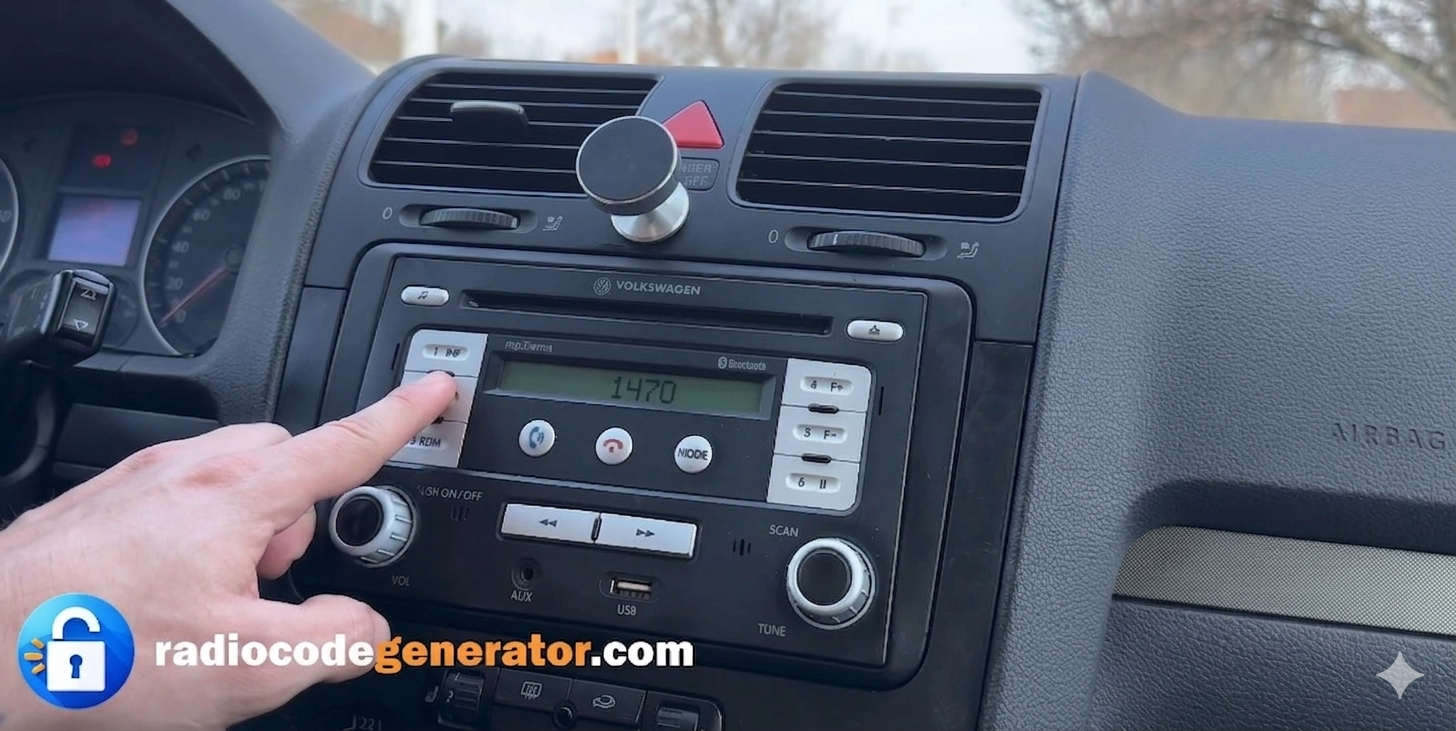
- Utilice el preset buttons (1 to 4) ubicado en el panel frontal de la radio para introducir su código de desbloqueo único de 4 dígitos.
- Presione el botón 1 repetidamente para seleccionar el primer dígito, button 2 para el segundo dígito. button 3 para el tercero, y button 4 para el último dígito.
- Verifique la pantalla para asegurarse de que los números correctos coincidan con el código de desbloqueo que ha recibido antes de confirmar.
- Una vez que el código completo se muestre en la pantalla, mantenga presionado el Right Arrow / TP / TA botón (o el mando de sintonización/botón de confirmación de presintonía, según el modelo exacto) para guardarlo y desbloquear el sistema al instante.
¿Tiene preguntas o necesita ayuda?
Si tiene algún problema al introducir el código, si la unidad permanece bloqueada tras varios intentos o si necesita más ayuda con el número de serie, no se preocupe: simplemente CONTACTO Nosotros y lo resolveremos con prontitud.
Indíquenos su número de serie y lo solucionaremos rápidamente. Para obtener consejos adicionales, sugerencias para la resolución de problemas y guías paso a paso sobre sistemas de audio para automóviles, no dude en explorar nuestra PREGUNTAS FRECUENTES sección o explore nuestros últimos artículos sobre el BLOG page!