
blaupunkt radio code generator
Our Blaupunkt radio code generator works with all Blaupunkt models – just enter your serial number and get your code now.
- Step‑by‑step unlock guide
- Safe online payment
- Lifetime code access
- 24/7 Online Support
Example: BP051, GM033, VWZ1Z..
Takes less than 2 minutes • No registration required
 Over 0 + Codes Delivered Daily
How It Works
Get your radio unlock code in 3 simple steps
How to locate your Blaupunkt serial number
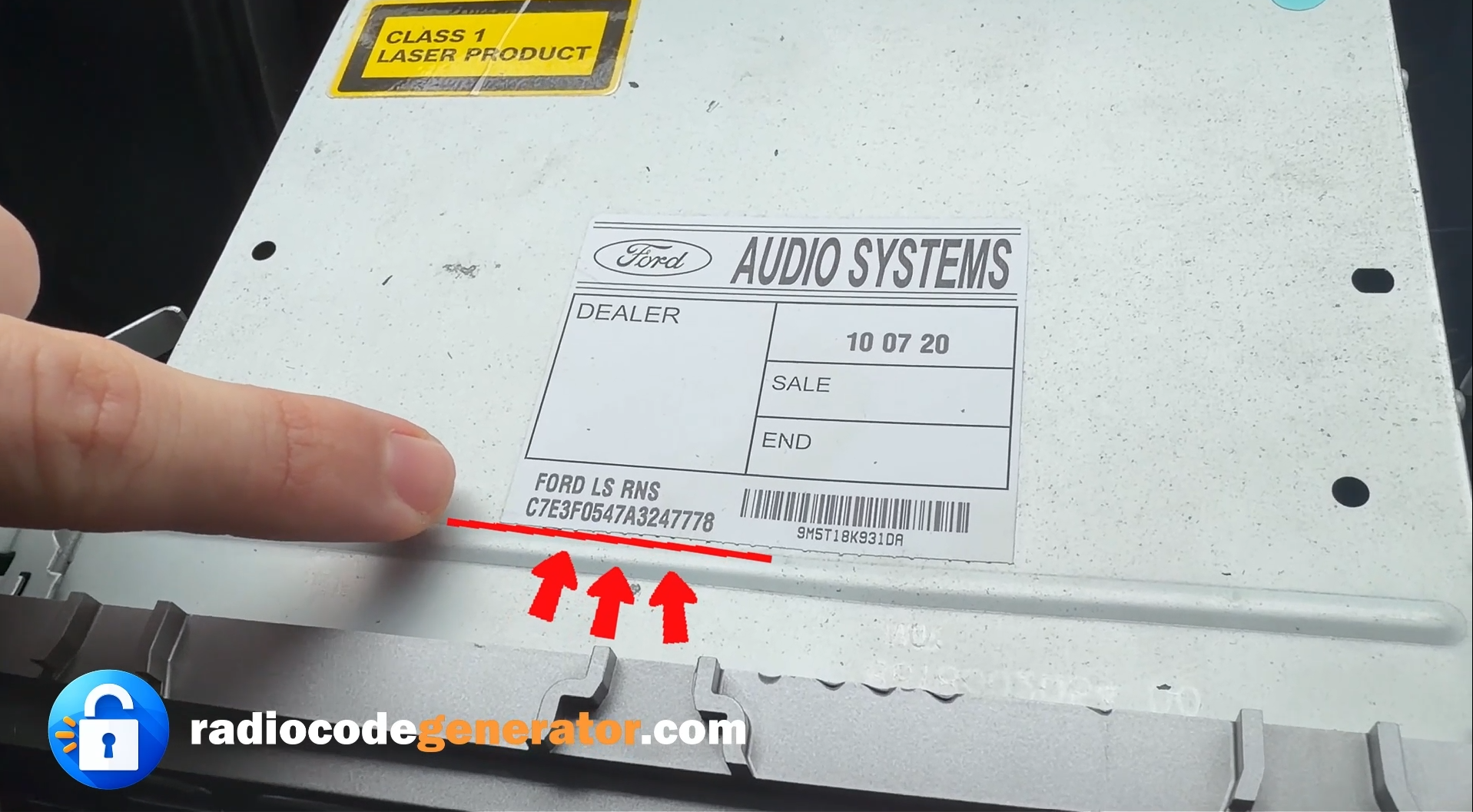
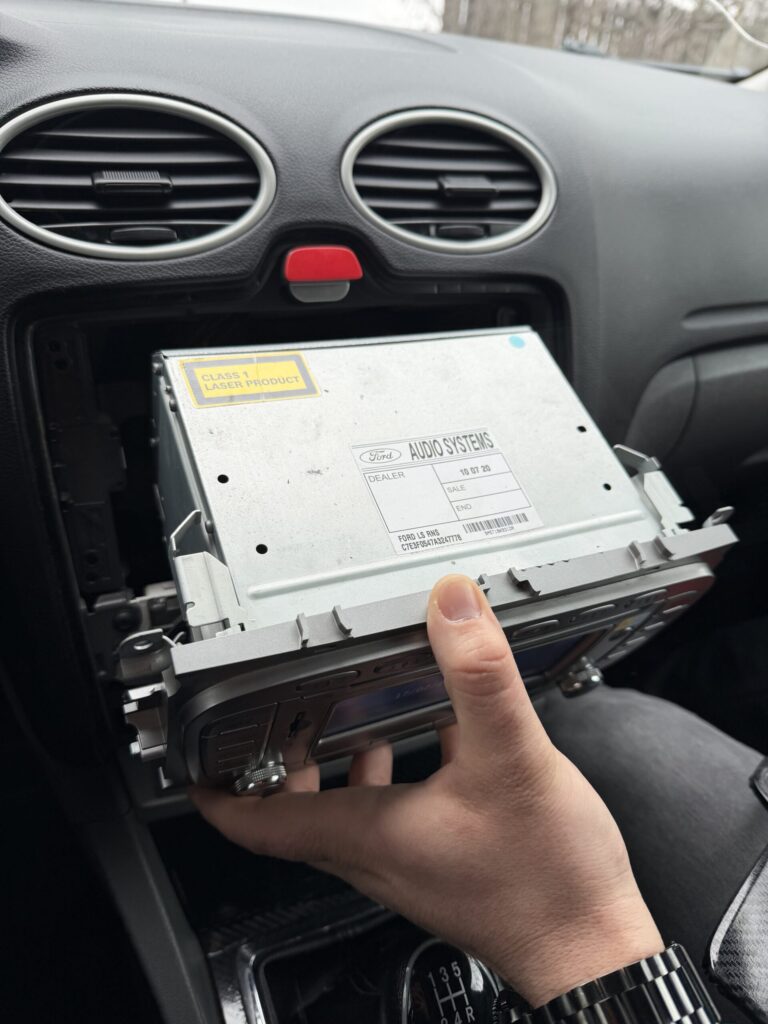
For all Blaupunkt models, you need to pull the radio slightly out of the dashboard to see the serial number 🔧. This is quick and easy: use a pair of release keys (or similar tools) and a thin prying tool.
Insert the release keys into the slots, press gently outwards, then pull the radio towards you just enough to see the label on the back. You do not need to disconnect any wires. The serial number is on the label on the back of the unit, or sometimes engraved on the metal above or below it.
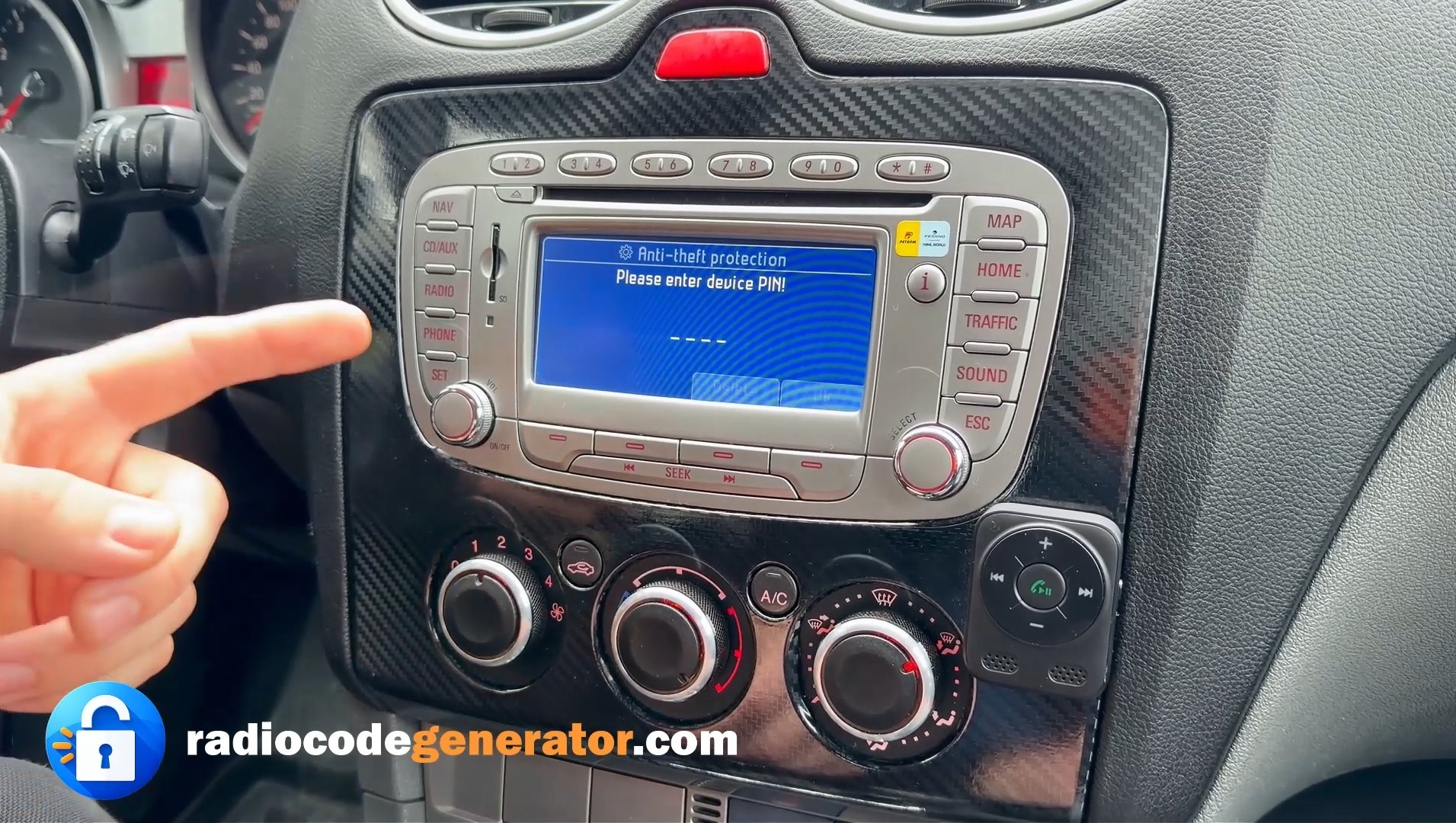
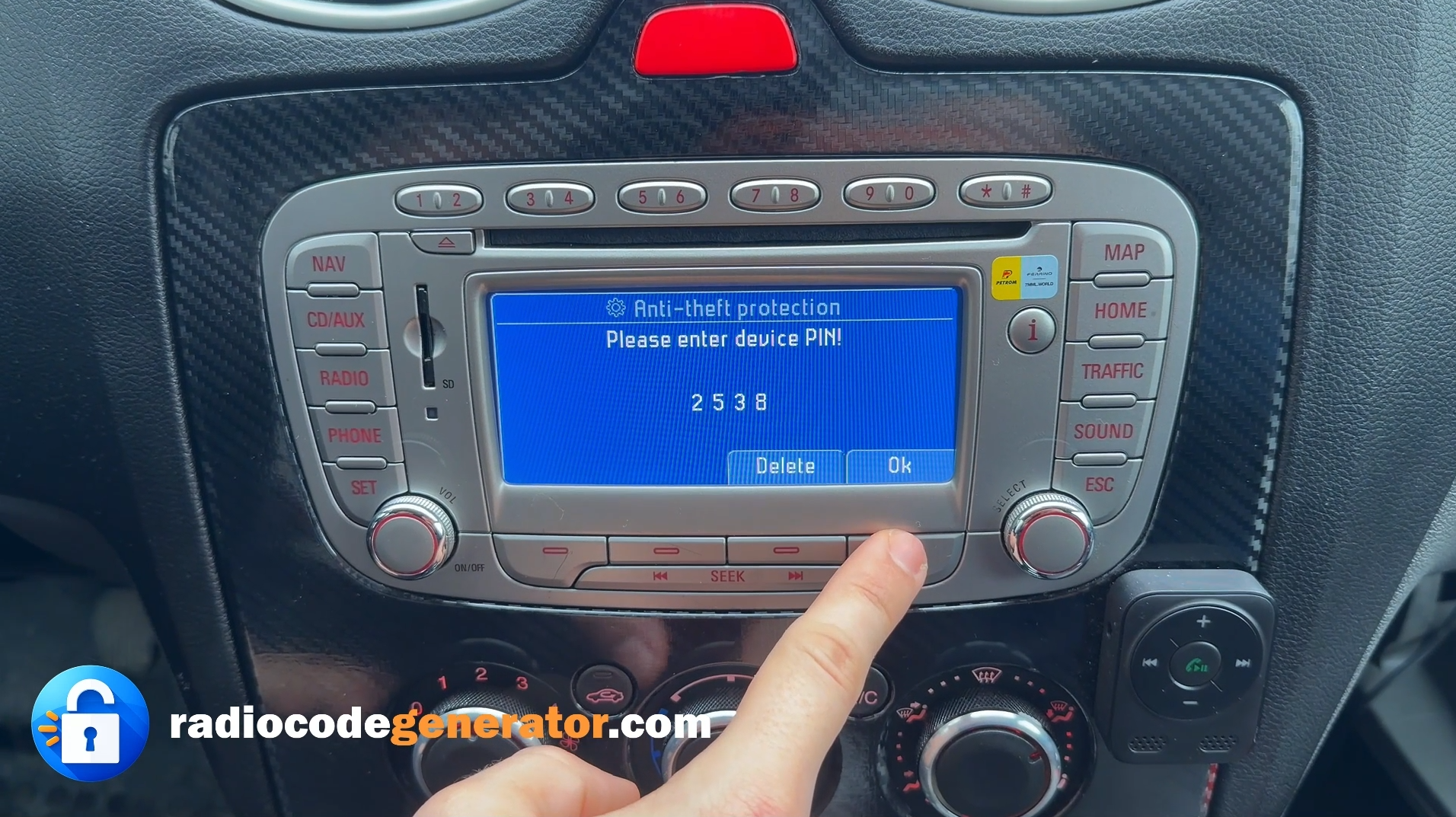
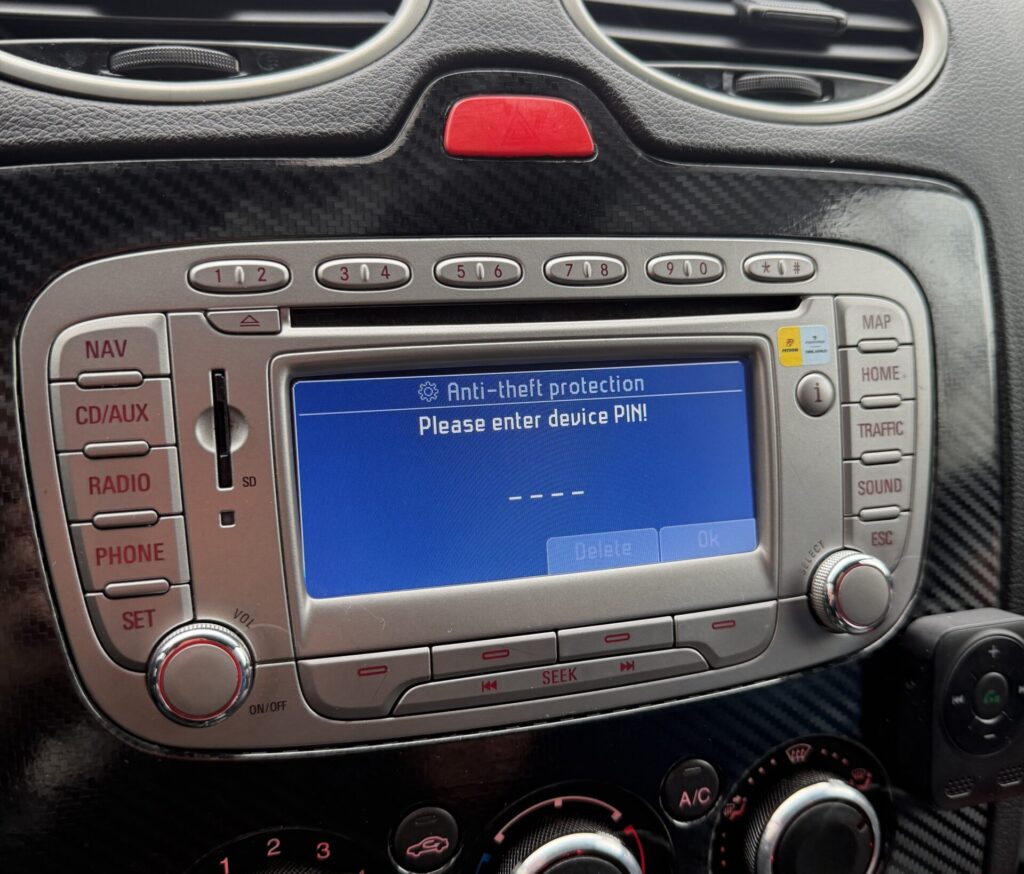
In the image on the right, you can see a Blaupunkt radio asking for the security code (“Please enter device PIN”) 🔐. In this situation, remove the radio as described, find the serial number on the back, and use it to get the correct code.
- VWZ1Z1A1234465
- AUZBZ7H7145296
- SKZ2Z1H7844323
- CM3345 6 3445653
- GM033238433356
You have here a video Tutorial on how to remove your radio.
Blaupunkt radio code retrieval
Generating Your Blaupunkt Radio Unlock Code Online: A Step-By-Step Guide
- You will need your Blaupunkt radio serial number and an valid email address where your want to receive your unlock code.
- Then press the button “Get your code now!”
- Now just enter the Blaupunkt radio serial number, followed by the email address where you want to receive the code.
- The final step is to choose your payment method and finalize the payment.
- After the transaction will be validated the code will be generated and sent to you in seconds.
Useful Information about Blaupunkt radio code generator and radio codes
How to Find the Blaupunkt radio code?
Losing access to your Blaupunkt entertainment system can be very frustrating, but no worries, just with your serial number, you can crack the code and regain control of your audio experience. Blaupunkt radios are equipped with a security feature that requires an unlock code to ensure their protection and deter theft.
Unlocking the Blaupunkt Radio
The first step in retrieving your Blaupunkt unlock radio code is to locate the radio’s serial number. This unique identifier is typically found on a sticker or label attached to the radio unit itself, on the back or the side of the radio unit, or in the radio’s documentation. Once you have obtained the serial number, you’re on your way to unlock your radio.
Unlock Code Retrieval Methods for Blaupunkt Radios
With the serial number in hand, you can now reach out to Blaupunkt customer support or utilize an online code retrieval service like ours. Our service is designed to assist you in retrieving the specific unlock code corresponding to your radio unit. Simply provide the serial number and an email address where your want to receive the code, and we will generate the correct code for you.
What if my code doesn't work?
If the unlock code you have entered does not work, double-check the serial number used and double-check the accuracy of the code, make sure that you have followed the correct procedure for entering it. If the issue persists, contact our customer support or consult an authorized service center for further assistance.
How to enter the Blaupunkt unlock radio code:
- For the first number that form your code you have to press the associated button until you the your number. For example: If the first digit on the code is 2, press the button two times.
- Press the second button for the second element of the code.
- Continue the same for the remaining buttons.
- To confirm the code, depending on the model of the radio you have to press AS button, up arrow of search button
- Depending on the radio model, the button to confirm can be: up arrow, AS button or search button.
- Now you just have enjoy your radio.
If you have lost your unlock code or you face any other issue, don’t worry, you just have to CONTACT us and provide the radio serial number and we will sent back your code again with no costs whatsoever. For additional info and more tips about car stereos and car radio unlock codes you can always visit our FAQ page, here you can find answers to your questions!