
Leave a Comment / VW Audio Systems: Recover and Unlock / By dragoalbu
If your Volkswagen Golf, Passat, CC, or Tiguan is displaying “SAFE” or “ENTER CODE” after a battery replacement or service, don’t worry. You don’t need to visit the dealership or pay for an expensive diagnostic tool.
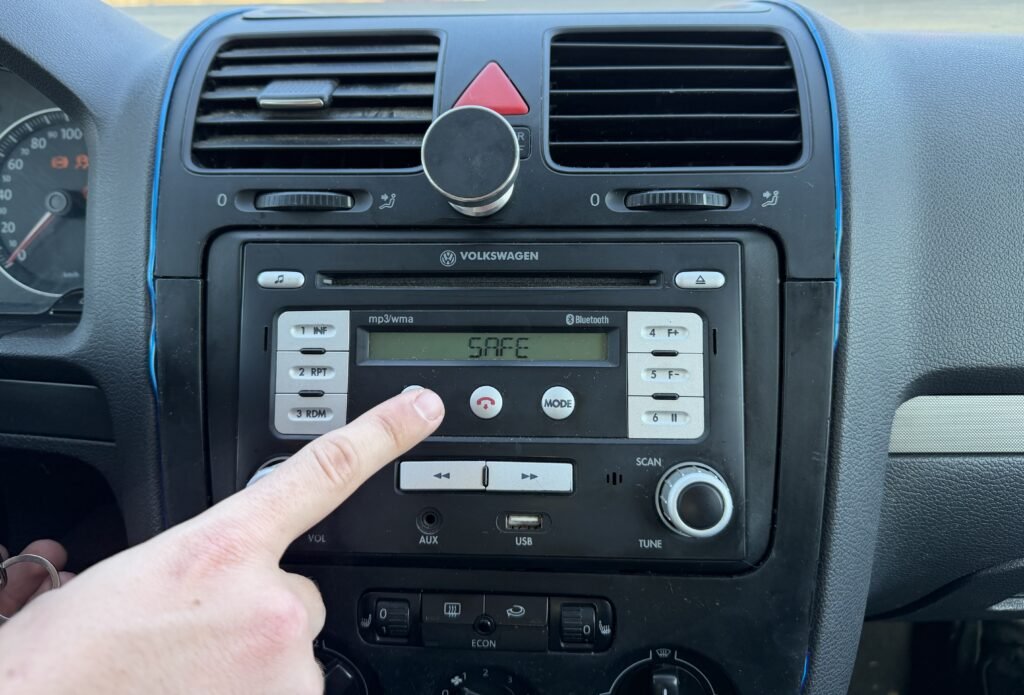
In this guide, we will show you exactly how to retrieve your VW radio code in minutes using your unit’s unique serial number.
Step 1: Locate Your VW Serial Number
For all Volkswagen units (Bosch, Continental, Delphi, or Blaupunkt), the serial number is stripped or engraved on the metal casing of the radio. This means you will need to remove the unit from the dashboard to see the sticker.
How to pull out the radio:
- Remove the Trim: Use a plastic pry tool to gently pop off the plastic frame surrounding the radio.
- Unscrew the Unit: Use a T20 Torx screwdriver to remove the 4 screws holding the radio in place.
- Slide it out: Gently pull the radio towards you. You don’t necessarily need to disconnect the wires if the cables are long enough to read the label.
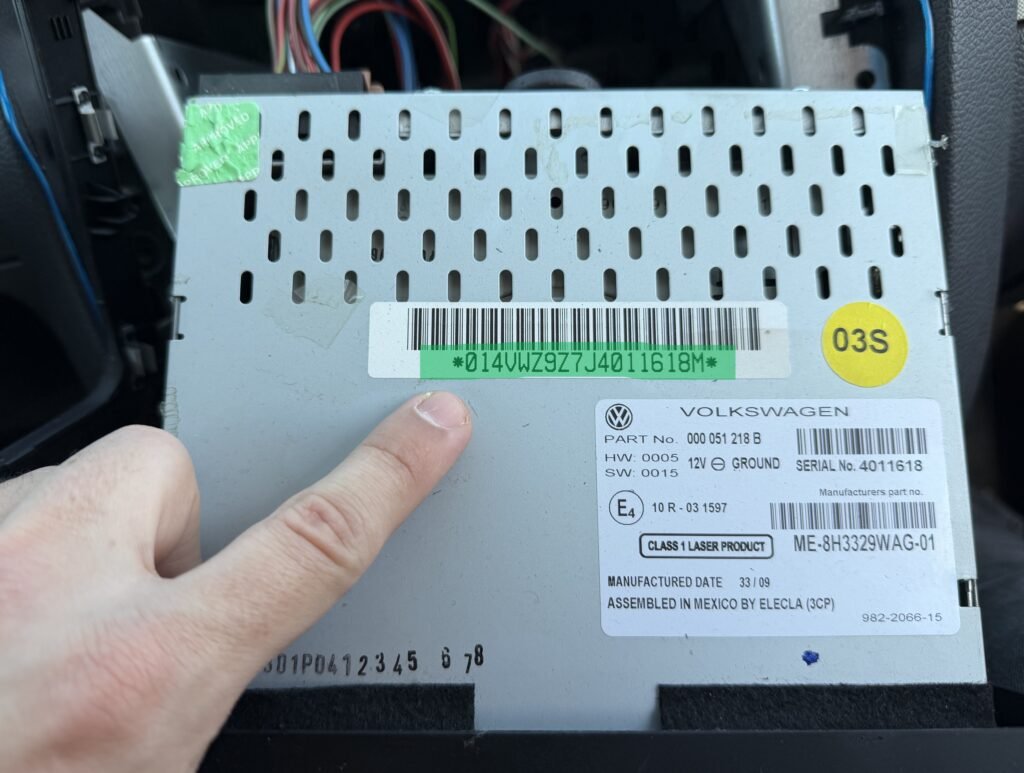
What to look for: The VW serial number always starts with VWZ followed by a 11-digit combination of letters and numbers.
- Example:
VWZ1Z2N1234567orVWZ6Z7L8090123. - You can find it printed on the white sticker or deeply engraved into the metal on the side of the unit.
Step 2: Generate Your VW Unlock Code Online
Once you have your VWZ serial number, you can get your 4-digit PIN instantly from any device.
- Go to the VW Radio Code Retrieval page.
- Enter your VWZ serial number and your email address.
- Click on “Get Your Code Now”.
- After a secure payment, your 4-digit code will be generated and sent to your email instantly.
Step 3: How to Enter the Code in Your VW
The method for entering the PIN depends on your specific model:
- For Touchscreen Units (RNS 510, RNS 315, RCD 510): A numeric keypad will automatically appear on the screen. Simply type your 4-digit code and press OK or Enter.
- For Standard Units (RCD 310, RCD 210, RMT 100):
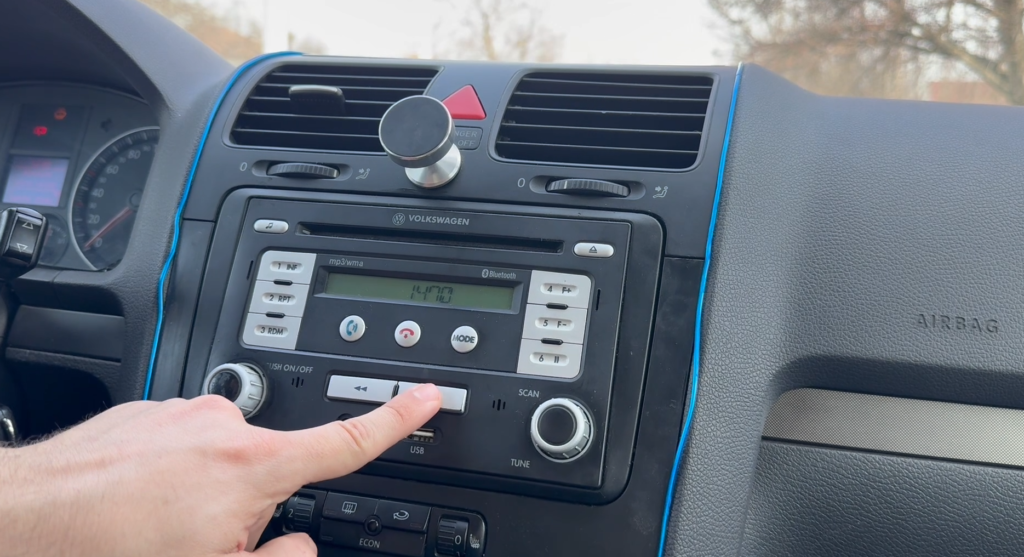
- Use the preset buttons 1, 2, 3, and 4 to input the digits.
- Once the correct code is displayed on the screen, press and hold the Right Arrow (Seek) button or the OK button for 2 seconds to confirm.
Frequently Asked Questions (FAQ)
My radio says “SAFE 2” or “LOCKED” – What should I do? This means the wrong code was entered twice. Leave the ignition and radio switched ON for exactly 60 minutes. Do not turn it off. After one hour, the “SAFE” message will disappear, and you can try entering the correct code again.
Can I get the code using the VIN (Chassis Number)? While dealerships use the VIN, the VWZ serial number from the radio itself is much more reliable for online retrieval, as the radio might have been swapped by a previous owner.
Supported Models: Our database supports all VW head units, including:
- RNS 510 & RNS 315 (Navigation)
- RCD 510, RCD 310, RCD 300, RCD 210
- RMT 100
- Premium 7 & 8